JABLOTRON ALARMS a.s.
Pod Skalkou 4567/33 46601 Jablonec n. Nisou
Czech Republic www.jablotron.com
||
|
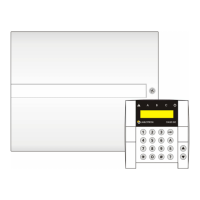
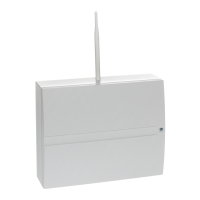
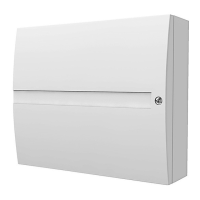
JA-101K(-LAN)(-LAN3G) and JA-106K(-3G)
Security System Control Panels 43 / 110 MLJ51410
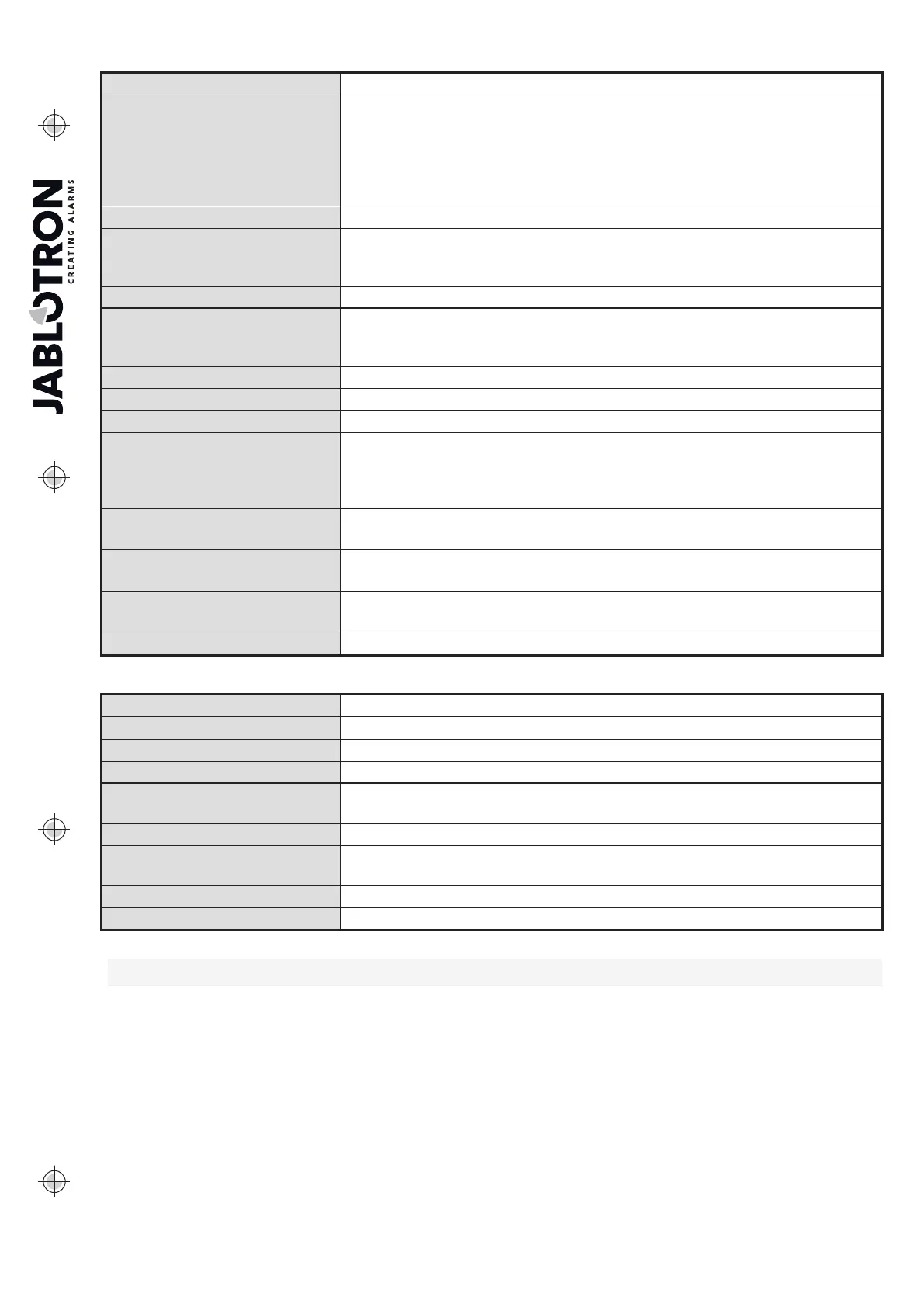
Keypad backlit indication button - overview of statuses:
Button lights green ON Normal operation. Sections controlled from keypad are OK with no faults.
Button lights yellow ON
Normal operation and in some of the controlled sections a fault has been
detected. From the LCD keypad menu you can get more detailed
information after user authorization according to their access rights.
If the fault is followed by a rotating Jablotron logo on the LCD keypad it
represents a fault of radio communication between the control panel
and the keypad.
Button lights red ON Keypad in BOOT mode, during a FW upgrade.
Button flashes green (2 Hz)
Authorization performed, the user can change the system status from
segments or browse the menu of the LCD keypad. Authorization time-out
takes 8 sec from the last key pressing or cancel it by pressing ESC.
Button flashes yellow (8 Hz) Unsuccessful setting warning indication
Button flashes red (8 Hz)
Indication of a currently triggered alarm in a specific section on the keypad.
The type of alarm, name of the section where an alarm has been triggered
and the source of the triggered alarm are visible on the LCD keypad.
Flashes alternate red/yellow Triggered alarm with an active fault
Flashes alternate green/red Authorization with alarm memory
Flashes alternate green/yellow Authorization with an active fault
Button flashes yellow
(2x every 2 sec)
Programming / Service mode. All control segment indication is disabled
for users and the Administrator keypad menu too. The keypad menu is only
available for a service technician until the PC is connected to the control
panel.
Button flashes red
(2x every 2 sec.)
Alarm memory indication
Button flashes yellow
(1x every 2 sec)
Fault indication on keypad in sleep mode (valid for EN50131-1 profile only)
Button flashes red
(1x every 2 sec)
Alarm memory indication on keypad in sleep mode (valid for EN50131-1
profile only)
No indication Keypad in sleep mode
Keypad control segment optical indication overview:
Segment lights green Section status is Unset or PG output OFF.
Segment flashes green (4 Hz) Entrance delay running and the system waits for authorization to be unset.
Segment lights yellow Section status is Partially set.
Segment lights red Section status is Set or PG output ON.
Segment flashes yellow (4 Hz)
System expects authorization when partially set or it reports a fault during
partial setting.
Segment flashes yellow (8 Hz) Unsuccessful setting warning indication
Segment flashes red (4 Hz)
System waits for authorization during setting or it reports a problem during
setting.
Segment flashes red (8 Hz) Alarm memory indication is indicated until it is cancelled.
Segment doesn´t light at all Service mode or blocked section after alarm.
9.3 System control by remote control
If there is a requirement to control the system before access to the protected premises (arriving by car
at the garage) or building to be protected just by detectors with an instant reaction, it ensures no one can unset
the system from a keypad inside the protected premises (no entrance path), this can be realized by remote
controller before you access the building. It requires the JA-11xR radio module to be enrolled to the system for
communication with wireless devices. It has to be placed at the right place to ensure reliable communication
with the remote in addition to the required working distance.
When using remote controllers (JA-15xJ, JA-16xJ), its buttons behave the same way as the control segments
of a keypad. Every button can control a selected section (the right one always sets and the left one always
unsets). Remote controllers respect rules on how the system should be set from FW 18, so with any obstacles
preventing the setting it will not be possible to set the system.


 To Next Page