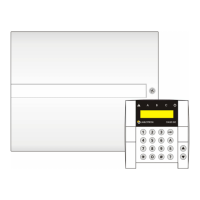
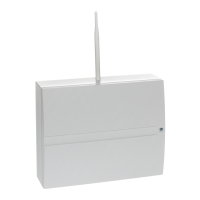
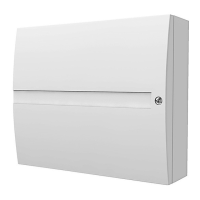
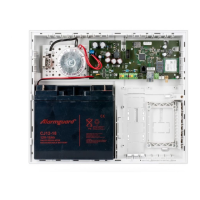
JA-101K(-LAN)(-LAN3G) and JA-106K(-3G)
Security System Control Panels 90 / 110 MLJ51410
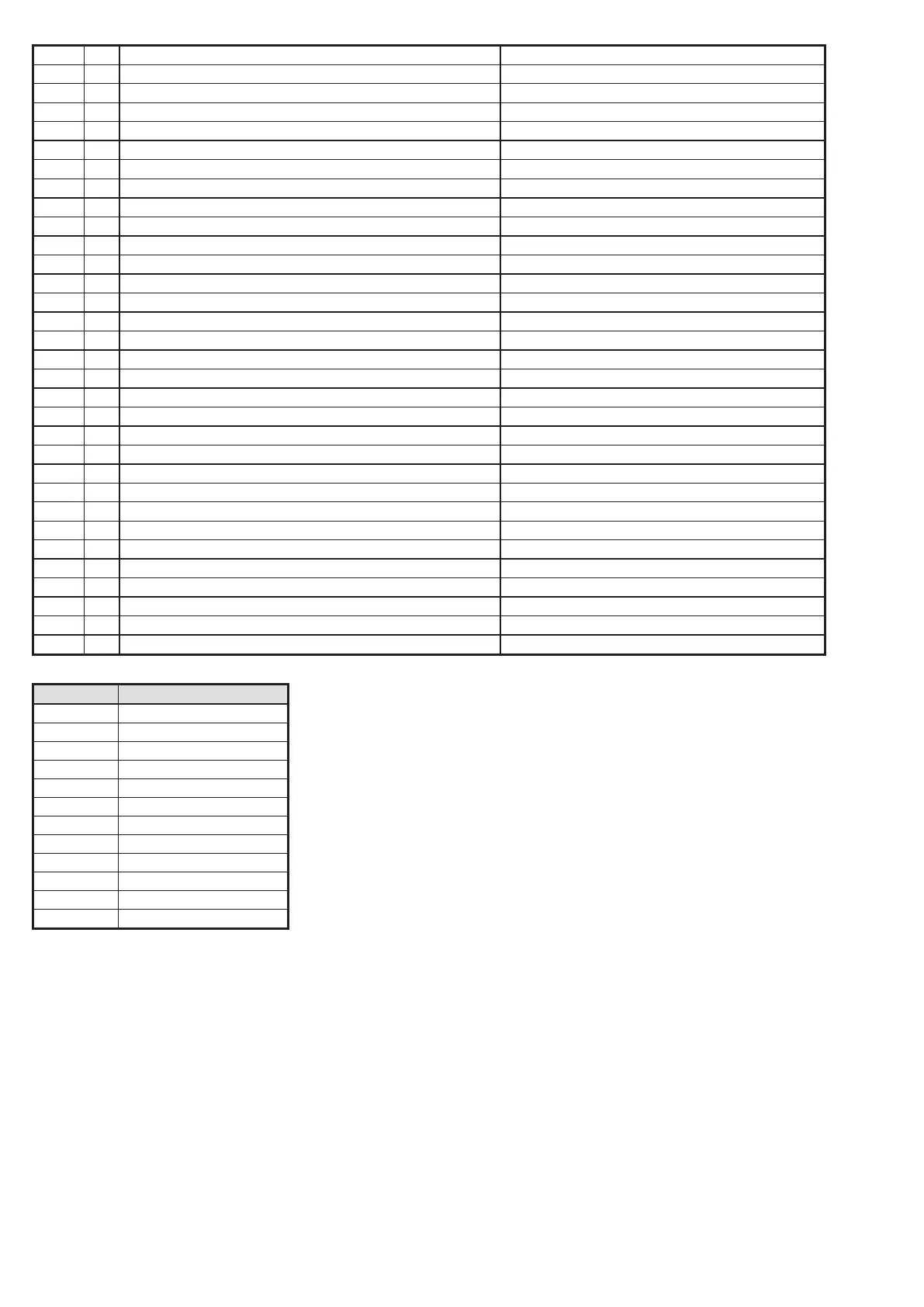
3661 RO PG1 OFF PG controls
3662 RO PG2 OFF PG controls
3663 RO PG3 OFF PG controls
3664 RO PG4 OFF PG controls
3665 RO PG5 OFF PG controls
3666 RO PG6 OFF PG controls
3667 RO PG7 OFF PG controls
3668 RO PG8 OFF PG controls
3669 RO PG9 OFF PG controls
3670 RO PG10 OFF PG controls
3671 RO PG11 OFF PG controls
3672 RO PG12 OFF PG controls
3673 RO PG13 OFF PG controls
3674 RO PG14 OFF PG controls
3675 RO PG15 OFF PG controls
3676 RO PG16 OFF PG controls
3677 RO PG17 OFF PG controls
3678 RO PG18 OFF PG controls
3679 RO PG19 OFF PG controls
3680 RO PG20 OFF PG controls
3681 RO PG21 OFF PG controls
3682 RO PG22 OFF PG controls
3683 RO PG23 OFF PG controls
3684 RO PG24 OFF PG controls
3685 RO PG25 OFF PG controls
3686 RO PG26 OFF PG controls
3687 RO PG27 OFF PG controls
3688 RO PG28 OFF PG controls
3689 RO PG29 OFF PG controls
3690 RO PG30 OFF PG controls
3691 RO PG31 OFF PG controls
3692 RO PG32 OFF PG controls
Source code Description
001 - 120 Devices
501 - 800 User codes
500 Service code
901 Control panel
921 ARC1
922 ARC2
923 ARC3
924 ARC4
911 GSM communicator
912 LAN communicator
913 PSTN communicator
914 External GSM communicator
10.12.2 Setting the transmission of photos to external storage
If in the region/country the MyJABLOTRON service is activated and the equipment user is going to use it,
the required settings will be done completely automatically on registration of the control panel
to the MyJABLOTRON web service.
If the MyJABLOTRON application is not used, to enable transmission of photos to the server and their further
distribution you need to activate Transmissions on Position 5. After this activation of transmissions the user
must create an account for storage of photos at the IMG server. The creation of the account and its operation
is free of charge. The procedure is described in the manual of the modules that work with this technology
(JA-120PC, JA-160PC and other future verification devices).


 To Next Page