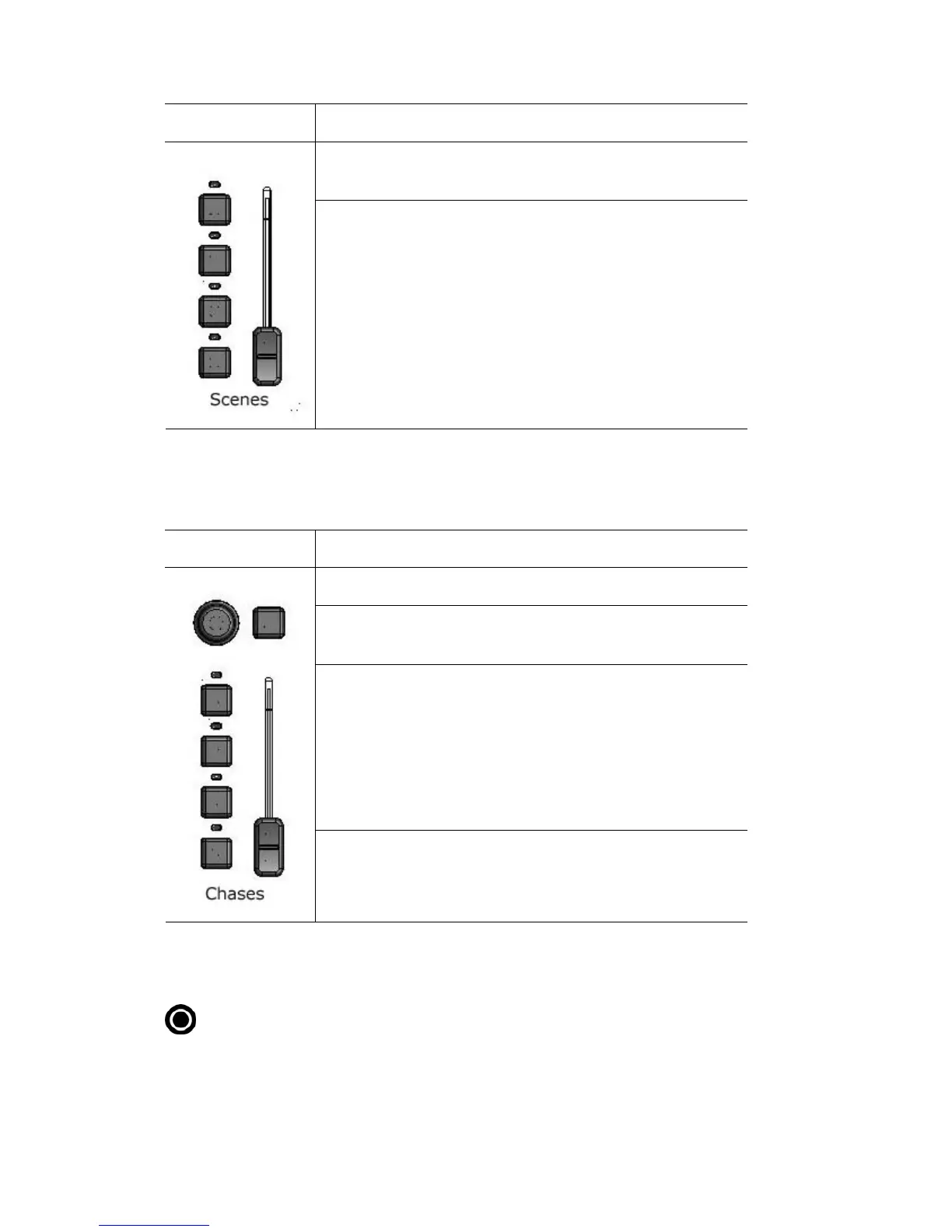
TheTouchscreen,DialandButtons Abouttheconsolecontrols
Th ois c ntrol… does this…
The fader adjusts the over
being played
all level of all the scenes that are
The four buttons are used to play the scenes. When you
press a button the scene fades in over the time set by the
me you’ve saved with the scene.
The LEDs indicate the scene state:
• Solid – there is a scene recorded
Flashing – the scene is contributing to the output.
Fade time dial or at the ti
Chasecontrols
In the chase control section there are 4 buttons and a fader
This control… does this…
The dial adjusts the Chase rate (BPM setting).
• Tap the sync button to set the chase scale rate and
sync your chases to a beat.
The four buttons are used to play the chases. When you
press a button the chase fades in over the time set by the
Live time dial or at the time you’ve saved with the scene.
The LEDs indicate the chase state:
• Solid – there is a Chase recorded
Flashing – the Chase is contributing to the output
The fader adjusts the overall level of all the chases that are
being played
Recordbutton
To record press the Record button then a scene button, chase button or the
cuelist play button. When you press the Record buttons destinations that are
available flash. For more information about recording see:
5‐8 StageCLUserGuide,Version1.3



 To Next Page