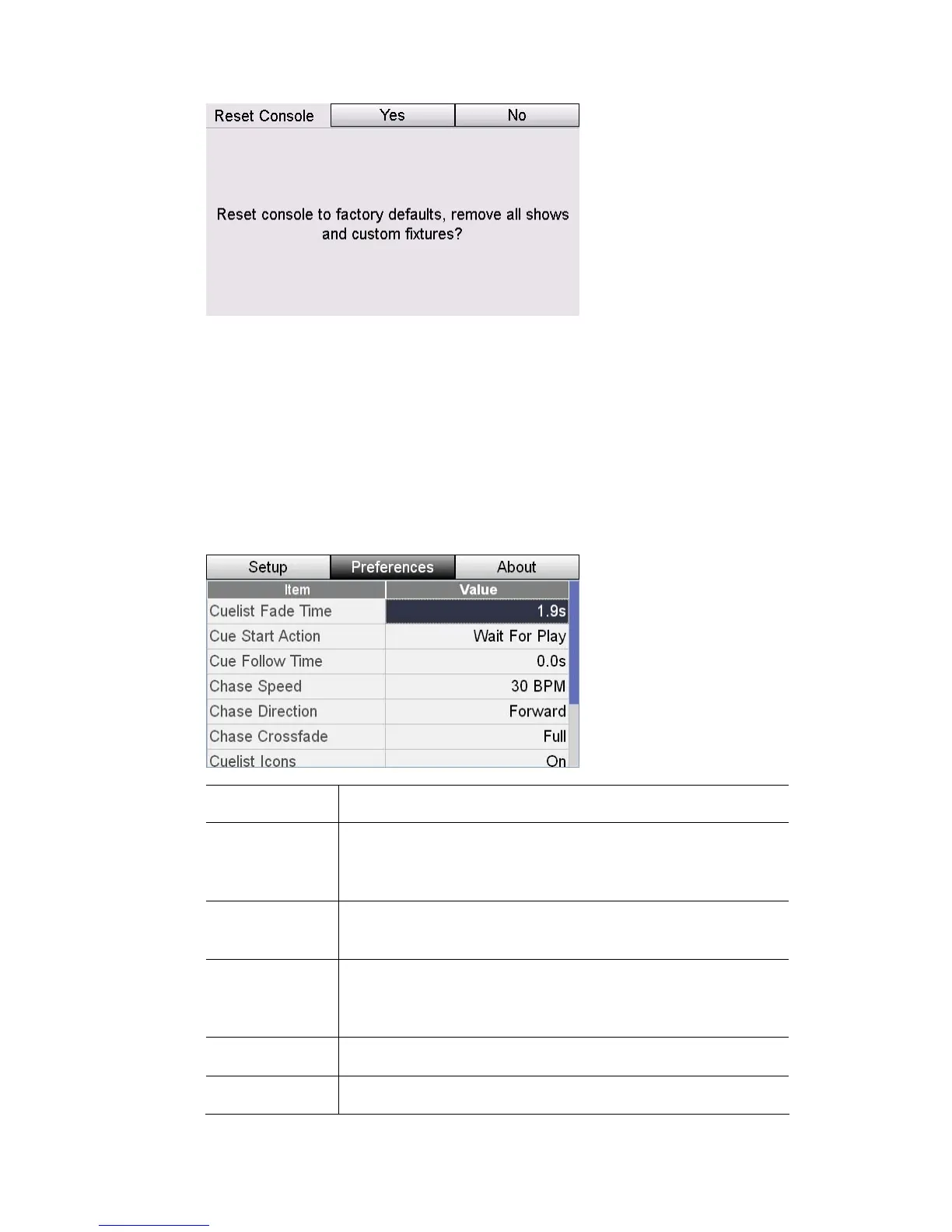
Setup&Preferences Preferences
2 es button to confirm the reset. Stage CL resets all settings to their
lues ll show files and custom fixtures.
Preferences
There are a
C ue
1. Touch the Setup button on the Home screen then press the Preferences
ge C
. Press the Y
default va
and deletes a
number of preferences that control the default settings for Scenes,
hases and the C list. To adjust these preferences:
button. Sta L displays the Preferences window:
This item… does this…
Cuelist
Sets the default fade tim
Fade Time
fade time icon if
e used for all new Cues. Set to the
you want the cues to follow the setting of
the Fade time dial
Cue
rt Action
Sets the default start action for cues. The options are:
Wait for Play (Halt)
Sta or Delayed (Follow)
Sets the default follow time used for all new Cues. Set to 0 if
you want cues, set to follow, to start immediately after the
Cue
Follow Time
previous cue finishes
C ase Speed Sets the default speed h in Beats Per Minute for all new Chases
Chase Direction Sets the default direction for all new Chases
StageCLUserGuide,Version1.3 11‐3



 To Next Page