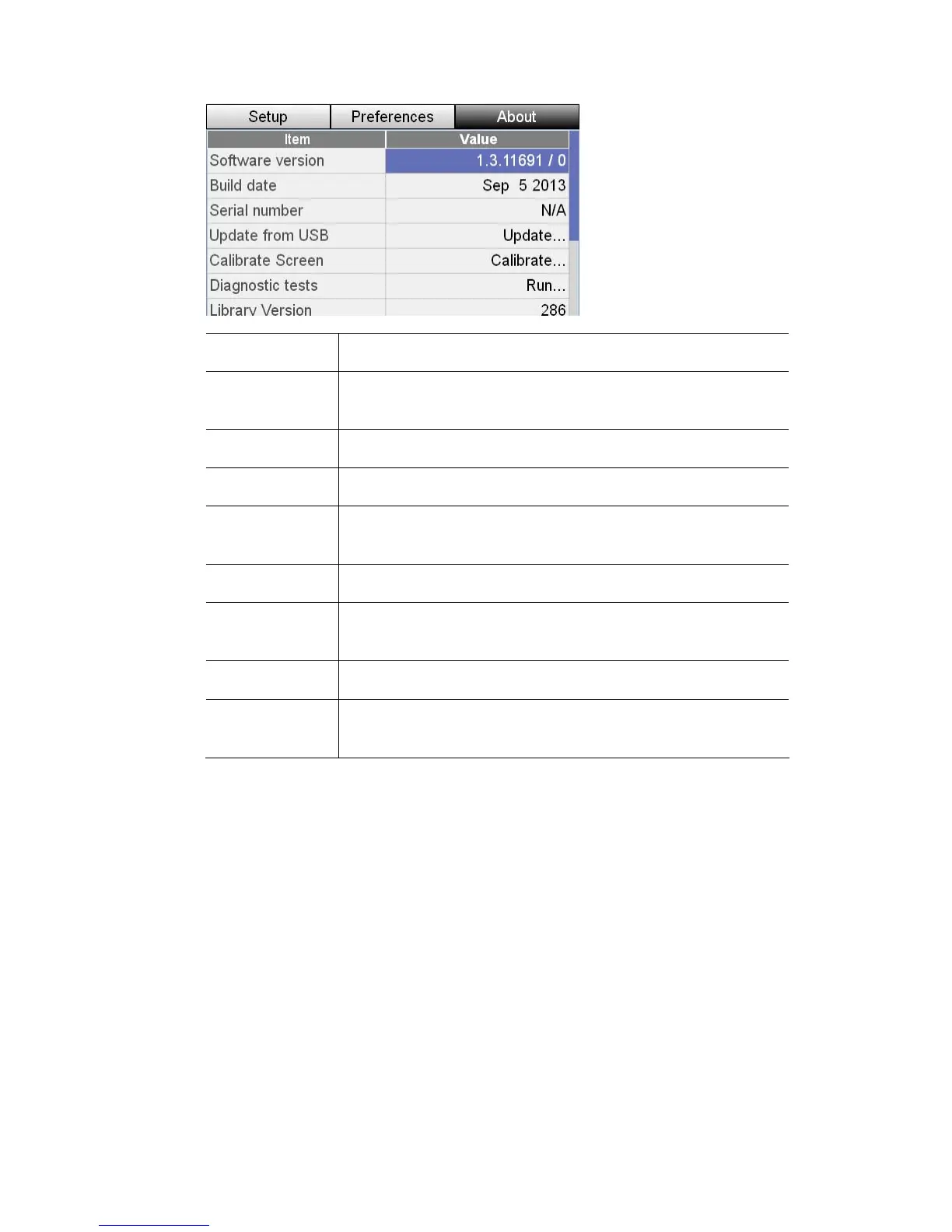
Setup&Preferences UpdatingtheSoftware
This item… does this…
Software
version
Shows the installed soft
ware version number
Build date Shows the date this version was released
Serial number Shows the serial number of your console
Update from
USB
Opens a window where you can
from an installer file on a USB memory stick.
update the console software
Calibrate Screen Opens a window where you can calibrate the touchscreen.
Diagnostic tests
Opens a technician’s window used to run a series of
hardware tests
Library version Shows the Stage CL library (fixture files) version number
F mware
v sion 1-3
Provides information that may be required when
troubleshooting technical issues
ir
er
UpdatingtheSoftware
To update the software you'll need:
• A USB stick, with typical w
indows-compatible formatting (FAT32).
opied to
Pro
Turn on the StageCL console and wait for the application to start.
1. Insert the USB stick into the console.
• The update package obtained from www.jands.com/lighting and c
the root directory of the USB stick.
cedure:
StageCLUserGuide,Version1.3 11‐5



 To Next Page