UpdatingtheSoftware Setup&Preferences
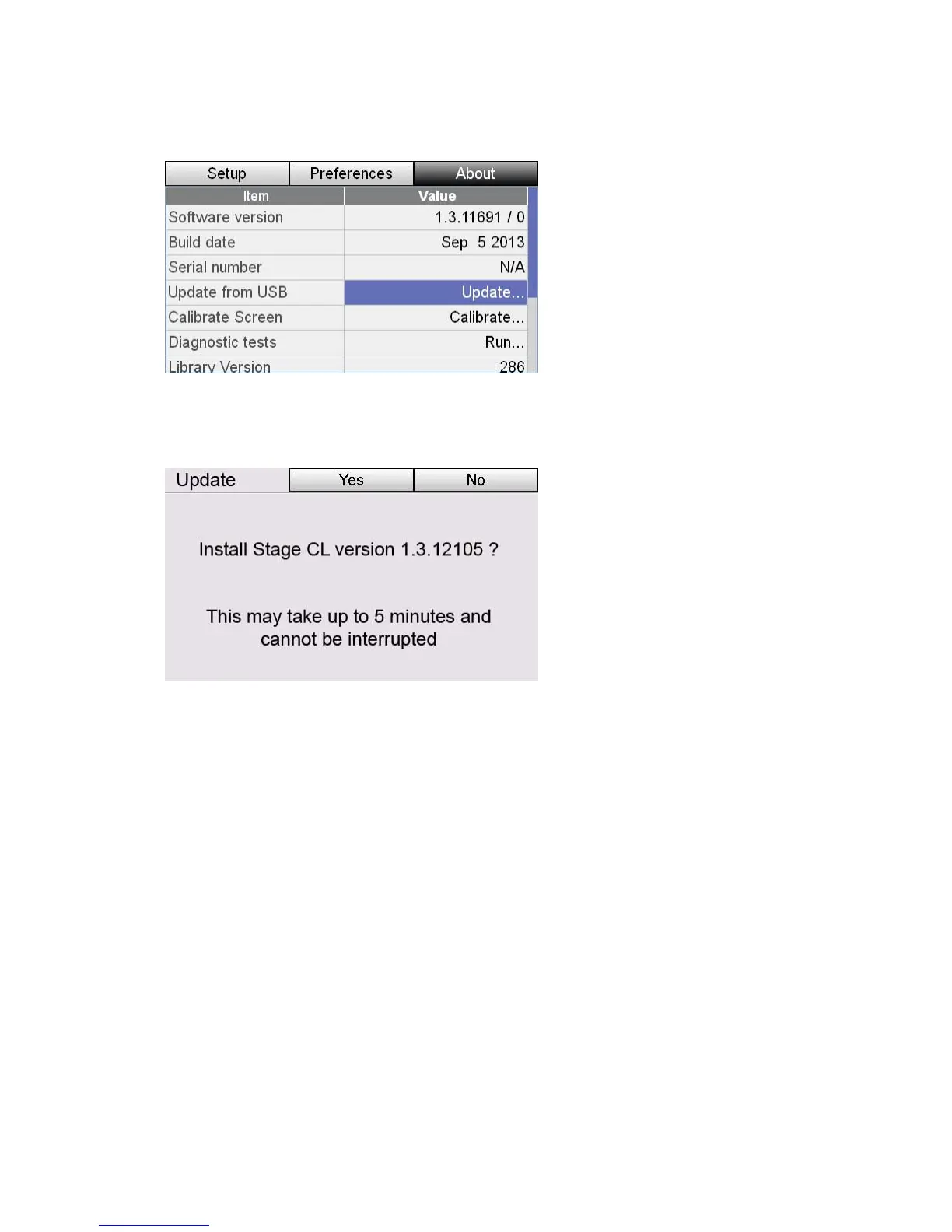
2. From the Home screen tap the Settings button, then press t
button. Stage CL displays the About window:
he About tab
3. Scroll down to the "Update Software from USB." field, then press the
e Update option. Stage CL opens the
ow:
touchscreen dial button to select th
Update Software wind
4. Press the Yes button to begin the update.
While the update is running you will see 3 screens:
o Step 1 / 3 ‘Preparing the update’
o Step 2 / 3 ‘Applying the update’
o Step 3 / 3 ‘Restarting the console’
 Do not turn the power off while the update is running.
11‐6 StageCLUserGuide,Version1.3



 To Next Page