Chases Chasecontrols
9. Chases
Chasecontrols
u play back in sequence. The
e Chases you record.
1. els and colours for your lights in the pattern you want at the start
ample if you wanted a Chase that has two blue lights
A Chase is made up of one or more steps that yo
buttons, beside the Chase fader provide quick access to all th
RecordingaChase
There are two ways to record a Chase.
1.AutoChase
This method lets you record a complete chase with just a few clicks.
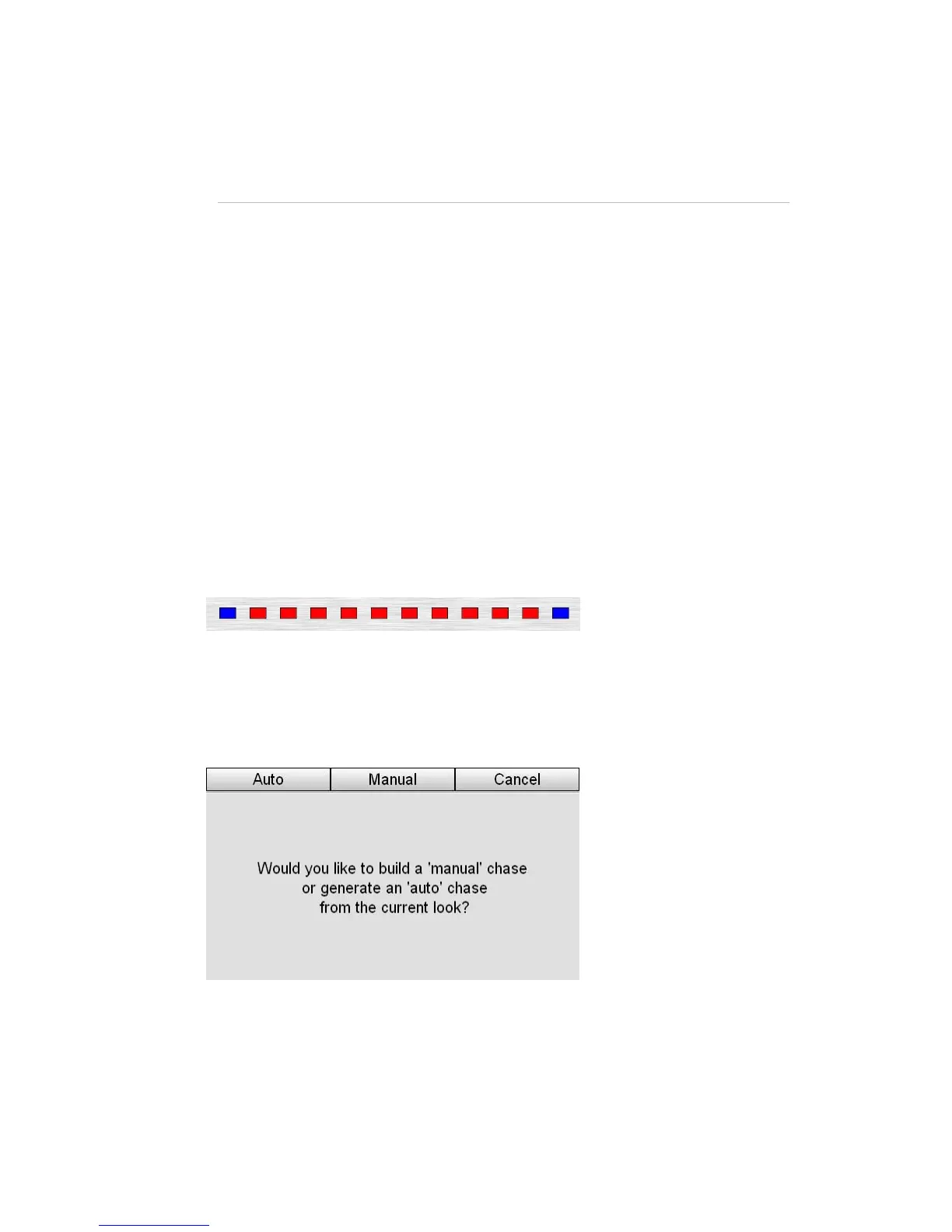
Set the lev
of your Chase. For ex
running along a line of red lights you could start like this:
.
2 b s in the select buttons flash to show which
channels will be included in the chase.
3. Press one of the four Chase buttons. Stage CL displays the Auto Chase’
:
. Press Record utton. The led
window
4 e Auto button. Stage CL automatically builds a Chase with as many
s you ha 12
fixtures selected so the c
. Press th
steps a ve fixtures selected. In the example above there were
hase will have 12 steps. The first four steps will look
like this:
StageCLUserGuide,Version1.3 9‐13



 To Next Page