Applyingcolourpatterns Colour
Applyingcolourpatterns
e
vens
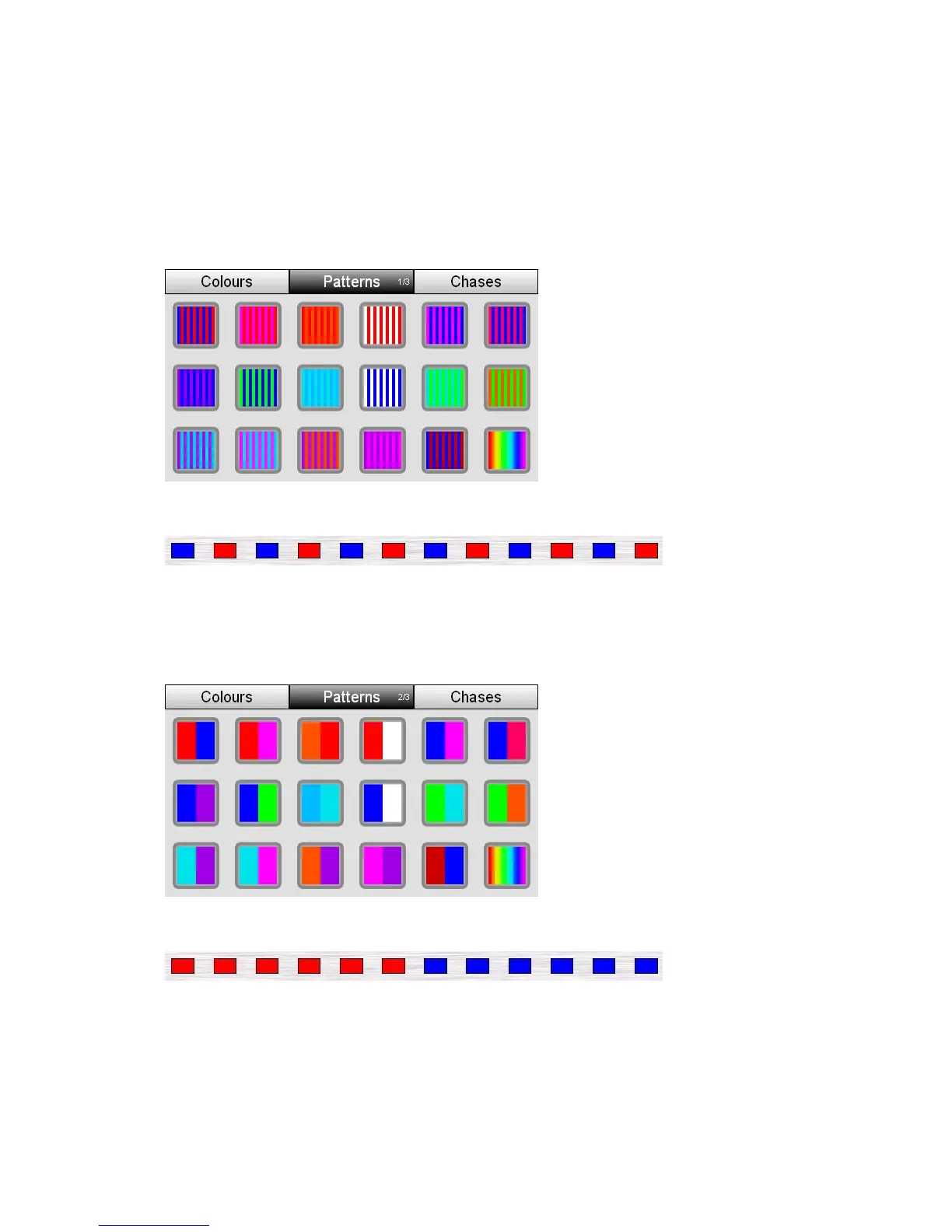
Stage CL includes three pages of colour patterns that you apply to a fixtur
selection. To switch between pages press the Patterns button to cycle between
pages:
Page1–Odds&E
This example shows the effect of applying pattern 1 to twelve lights
e colour is applied to all odd numbered
applied to all even numbered fixtures.
When you apply a pattern from page 1 on
fixture channels and the other colour is
Page2–Half&Half
This example shows the effect of applying pattern 1 to twelve lights
When you apply a pattern from page 2 one colour is applied to the first half of
the selected fixture channels and the other colour is applied to other half of the
selected fixture channels.
6‐4 StageCLUserGuide,Version1.3



 To Next Page