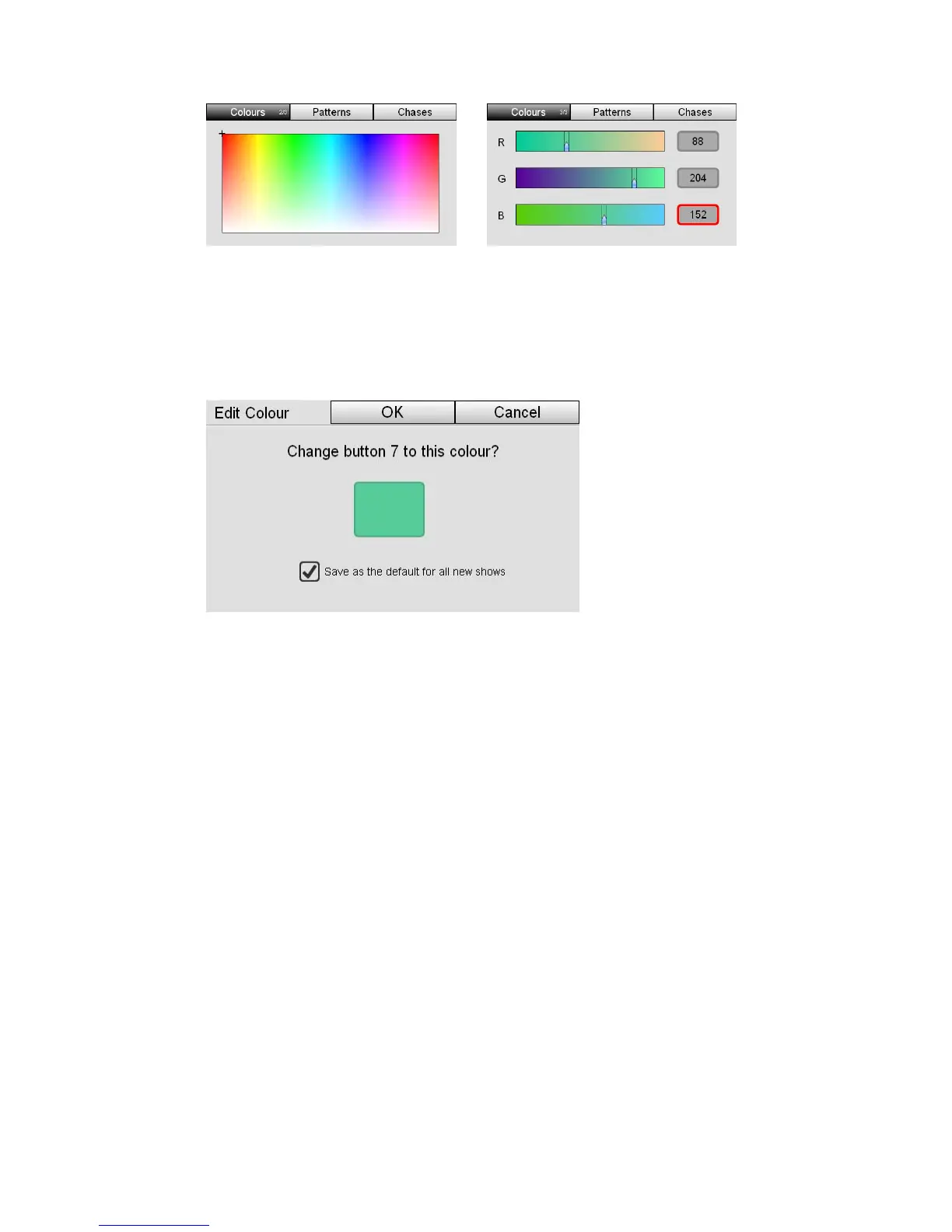
Colour Editingthecolourswatches
or
our swatches window.
place. Stage CL opens the
2. Choose a colour.
3. Press the colour button to switch back to the Col
4. Tap and hold on the colour swatch you want to re
Edit Swatch window:
5. If you want to save this colour for all new shows, created on your console,
select the Save as default … checkbox. To just save the colour for the current
eckbox deselected.
e the new colour to your selected button.
es not update any scenes, chases or cues that
show file leave the ch
6. Click OK to sav
 Changing a colour swatch do
you have already recorded.
StageCLUserGuide,Version1.3 6‐3



 To Next Page