PlayingaChase Chases
ing in a forwards dire
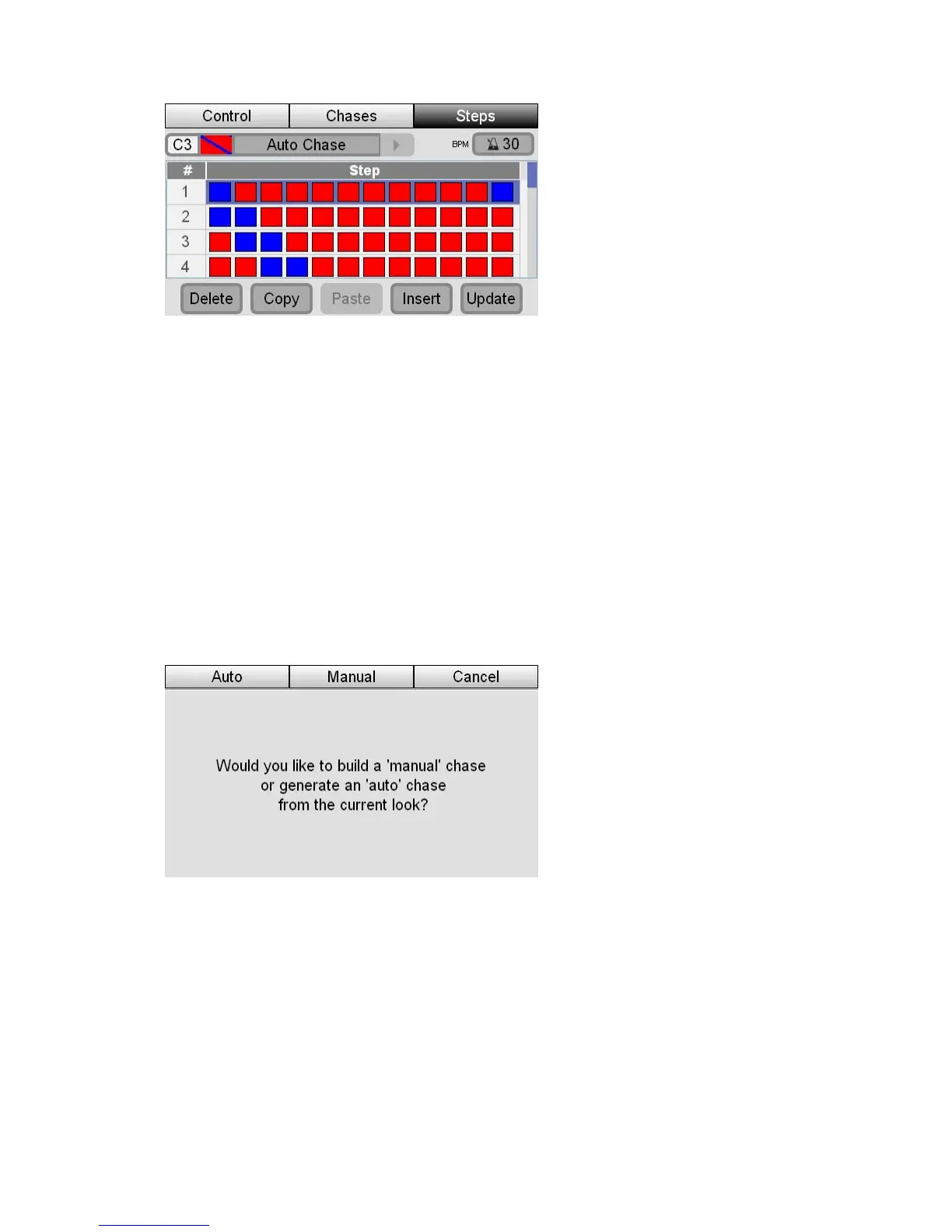
If the Chase is runn ction the two blue lights will chase
across from left to right. But if you set the Chase to Mirror mode and Bounce the
blue lights will chase in to the centre and back out again.
1.
to show which
age CL displays the Auto Chase’
2.NormalChase
Use this method to record a Chase step by step.
Set the levels and colours for your lights in the pattern you want for the first
step of your Chase.
2. Press Record button. The leds in the select buttons flash
channels will be included in the chase.
3. Press one of the four Chase buttons. St
window:
4 Press the Manu irst step
of your chase.
epeat steps 1 .
PlayingaC
To play a chase you do this:
1 as
to show that th tput.
al button. Stage CL records the current look as the f.
R and 2 until you have recorded as many steps as you want5.
hase
. Press the Ch e button you want to play. The LED in the chase button flash
e chase is contributing to the console ou
9‐14 StageCLUserGuide,Version1.3



 To Next Page