Colour Applyingcoloursfromthetouchscreen
6. Colour
The Colour window lets you quickly apply:
• fixed colours,
from a colour
from a selection of swatches that you can customise, or
picker or by using RGB sliders
to y
touchscreen
Stage CL opens the Colour
• multi-colour patterns
• pre-built chases
our fixtures.
Applyingcoloursfromthe
To apply a colour to your fixtures.
1. Select one or more fixtures.
2. From the Home screen select the Colour button.
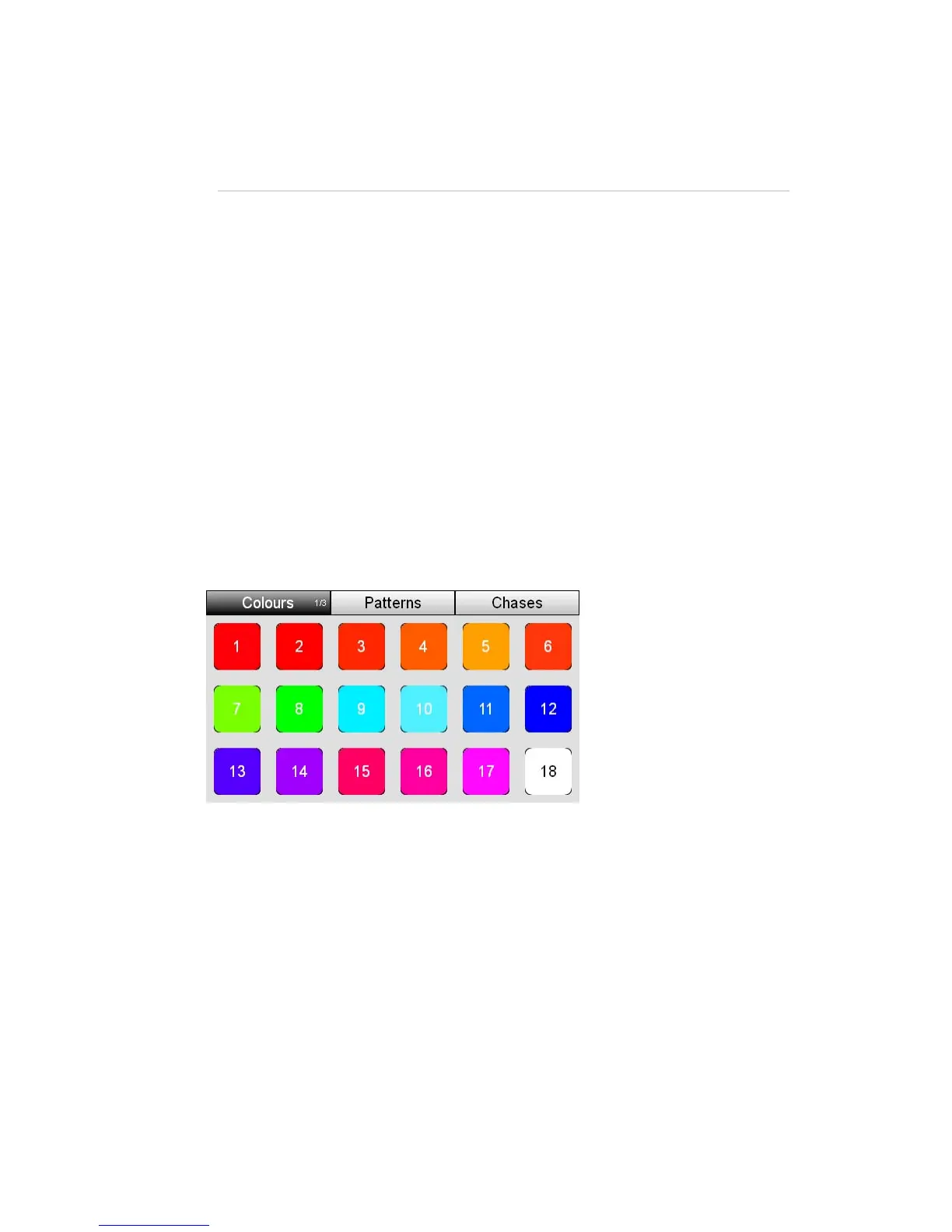
window with the Colour swatches tab selected:
3. Touch on one of the 18 colour buttons. Stage CL sets the selected lights to
this colour.
Usingthecolourpicker
You can also apply a colour from the Colours picker window. To do this:
1. Select one or more fixtures.
2. From the Home screen select the Colour button and then select the Colours
tab:
StageCLUserGuide,Version1.3 6‐1



 To Next Page