Editingthecolourswatches Colour
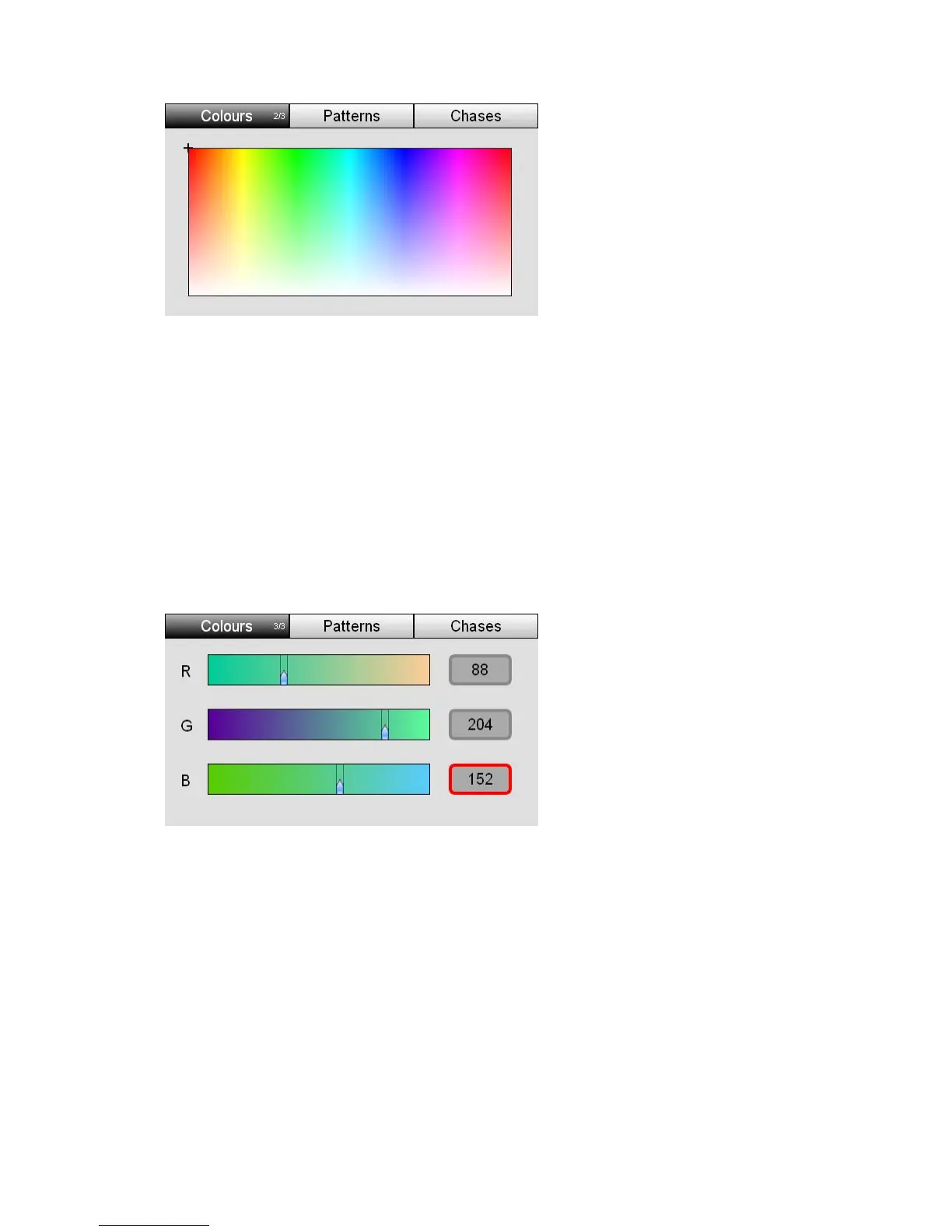
3. Tap the Colours button again to switch to the pi
4. Use your finger or a stylus to drag ar
Stage CL sets the lights to this colour.
UsingtheRGBsliders
You can set precise RGB colour values from the
cker window
ound the picker and choose a colour.
Colours RGB window. To do
1. Select one or more fixtures.
lect the Colours
this:
2. From the Home screen select the Colour button and then se
tab:
3. Tap the Colours button twice to switch to the RG
4. Use your finger or a stylus to drag th
B sliders window
e sliders and select a colour. Or tap on
1. Open either the Colour Picker or Colour RGB Sliders window:
the number fields and use the touchscreen dial to set precise values for Red,
Green and Blue.
Editingthecolourswatches
You can change the colours that are stored in the Stage CL colour swatches. To
do this:
6‐2 StageCLUserGuide,Version1.3



 To Next Page