Cuelists Cuelistcontrols
8. Cuelists
Cuelistcontrols
A Cuelist is made up of one or more Cues that yo
The buttons, beside the cuelist fader provide quic
u can play back in sequence.
k access to all the cuelist play
functions.
Recording st
To record a Cuelist
1 Set up the level
trols.
2. Press the record button. The leds in the select buttons flash to show which
l b
3. Press the select button(s) on any fixture you don’t want to include in the
scene.
Press the Cuelist Play button. The re
p to indicate t
Playingthe
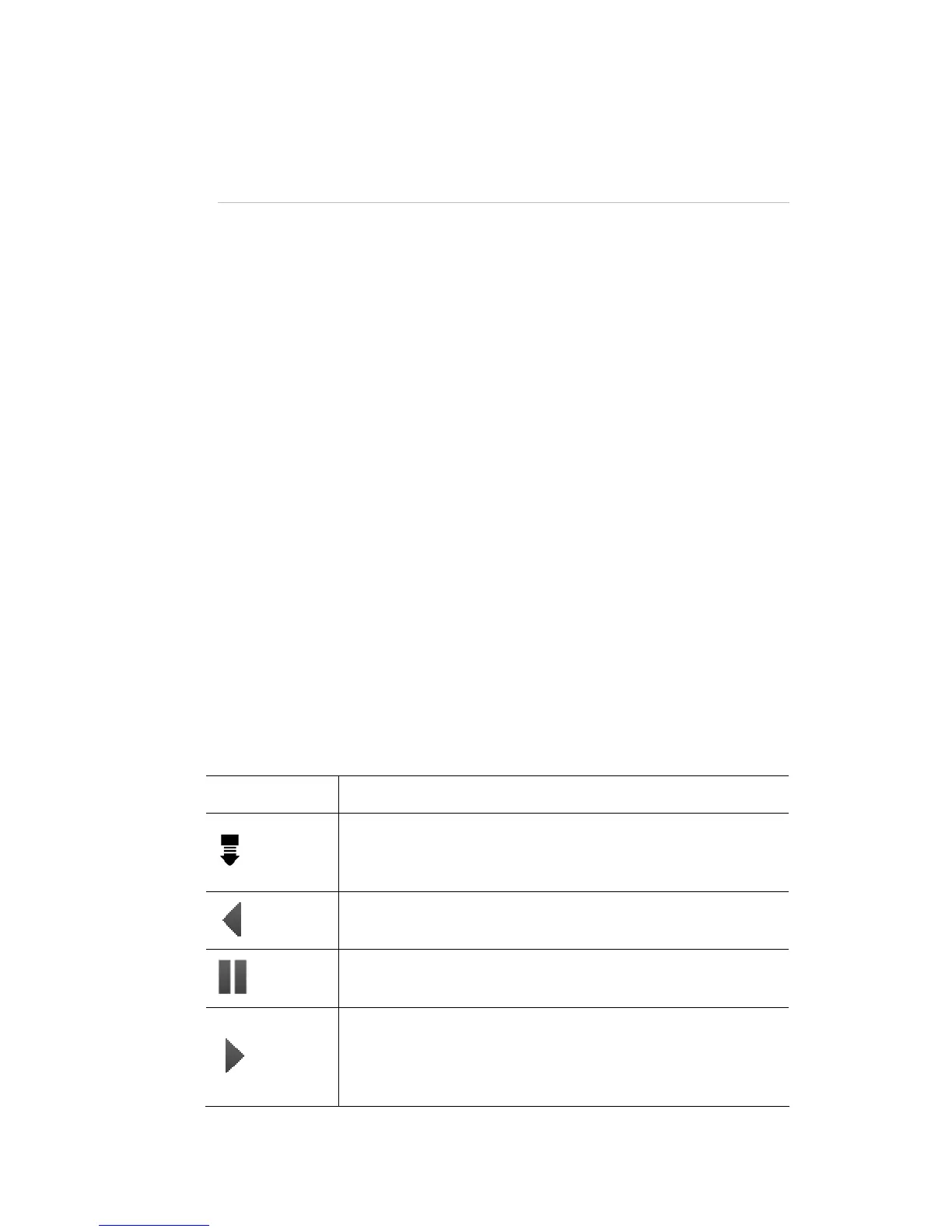
The four buttons beside t
This button…
aCueli
Cue you do this:
s and colours for your lights using the 12 sets of fixture.
channel con
channels wil e included in the scene.
d LED in the play button switch lights
hat there is a cue recorded.
4.
u
Cuelist
he Cuelist fader control playback:
does this…
Releases the Cuelist. This means the cuelist stops sending
set
any intensity or colour information to the lights and is re
to Cue 1
Release
Back
Plays the cuelist backwards to the previous Cue.
Pause
again to resume playback
Pauses playback of the current cue. Press the Pause button
Play
Commences (Go) playback of the next Cue in the Cuelist.
The LED in the button flashes to show that the cue is
contributing to the console
output (the look you see on
stage).
StageCLUserGuide,Version1.3 8‐7



 To Next Page