EditingandMonitoringScenes Scenes
If the fixture does not have color mixing each row indicates the setting for the
feature that has been assigned to the dials:
This row… indicates the setting for the…
1 (top)
Feature assigned to the Saturation
dial.
2
Feature assigned to the Hue
dial.
3
Feature assigned to the Shift + Saturation
dial.
4 (bottom)
Feature assigned to the Shift + Hue
dial.
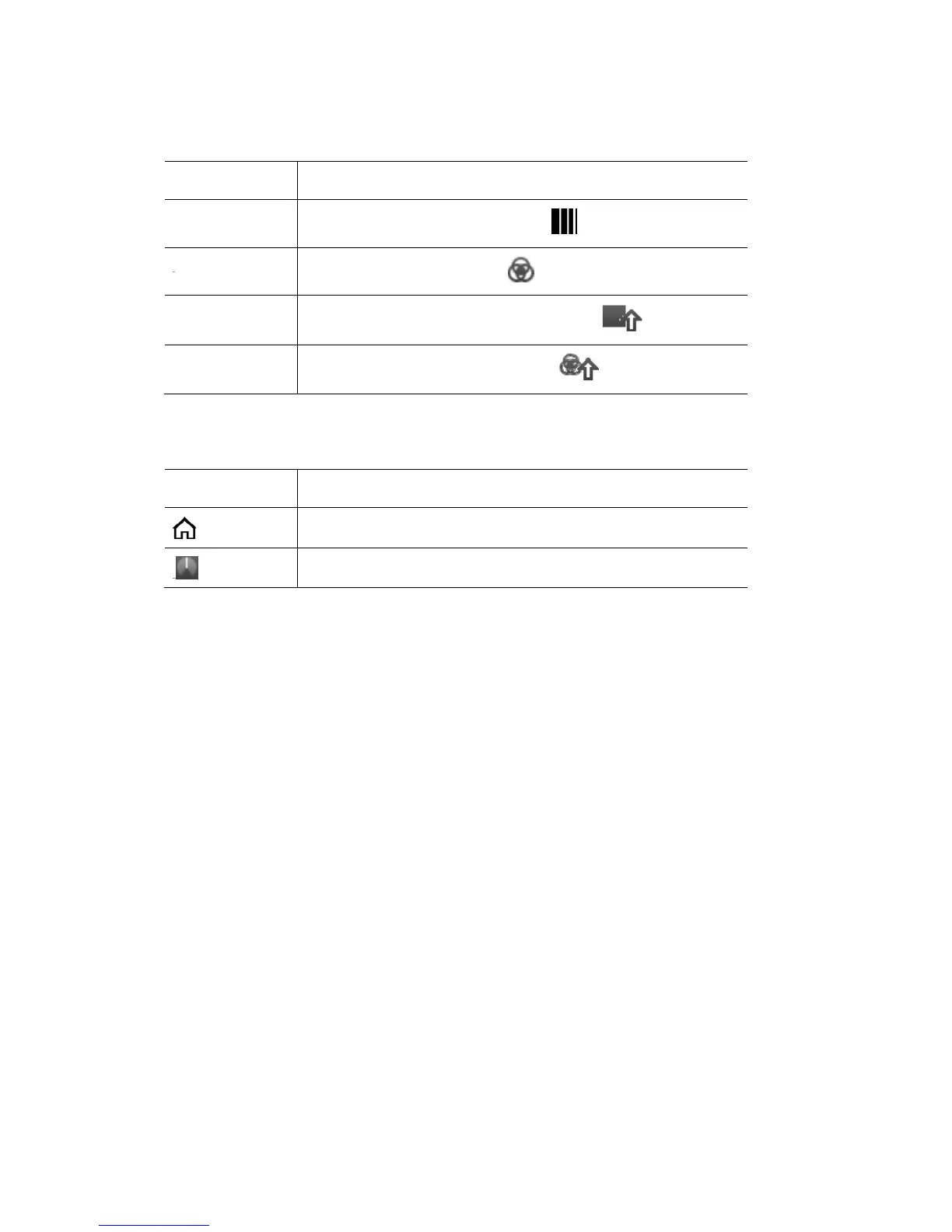
In this window
This icon… indicates this…
The channel is at it’s default (
or home) value.
The dial position (in this example 50%).
2. Use the touchscreen dial to scroll left or right across the fixture channels.
re gs for each
o are shown
so in the example above channel 4 is selected:
name is RGBSZ
I - Intensit
• R – Red is
• G – Green is at 164
• Strobe is at 0 (the default or home value)
When a fixtu
feature are sh
channel is highlighted the fixture name and settin
wn at the bottom of the screen. The feature values
as 0-255,
• The fixture
• y is at 255 (full)
at 70
• B – Blue is at 240
• Zoom is at 127
7‐6 StageCLUserGuide,Version1.3



 To Next Page