Colour Applyingcolourpatterns
Page3–Crossfade
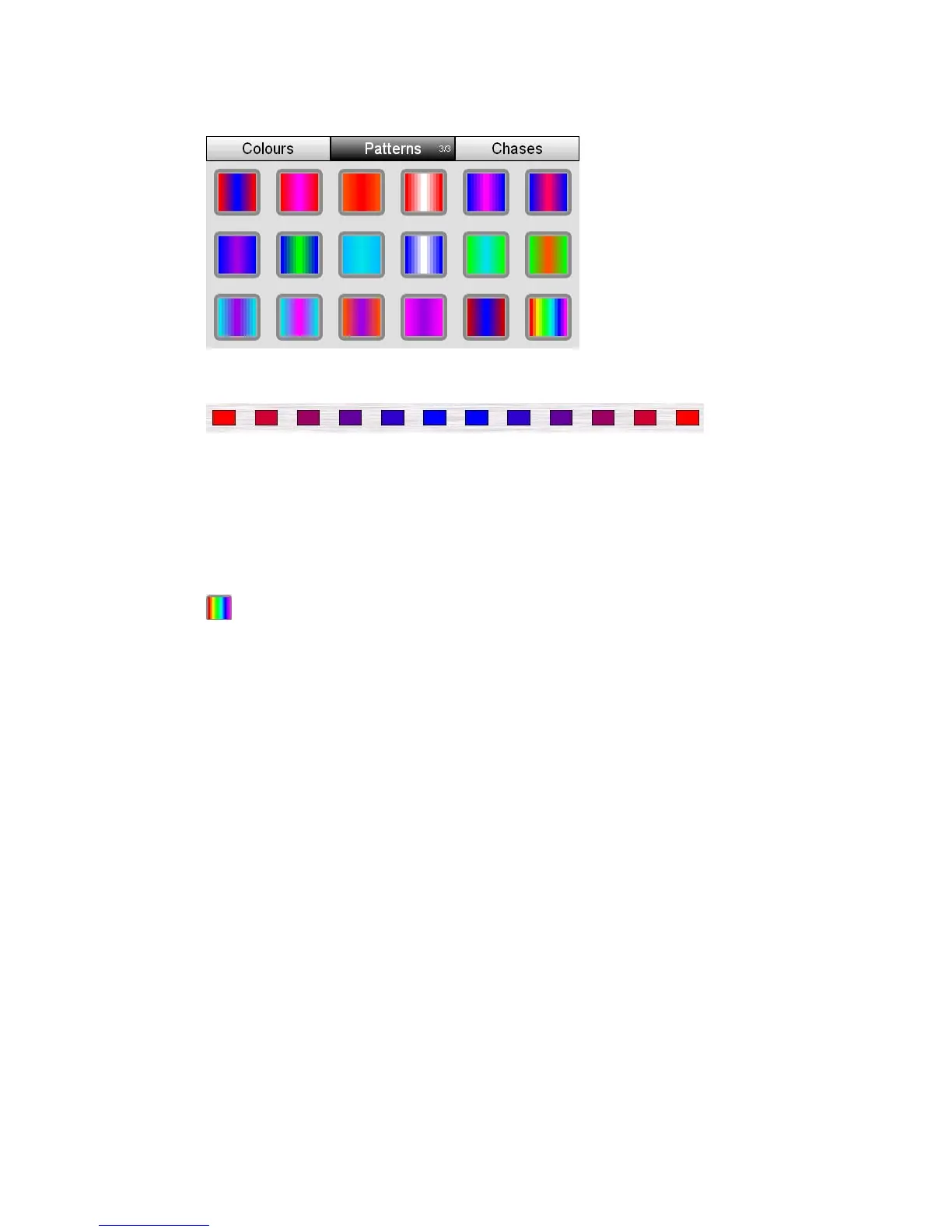
This example shows the effect of applying pattern 1 to twelve lights
page 3 one colour is applied to each end of the
he other colour is applied to centre of the selection.
ntre crossfade between the two
When you apply a pattern from
selected fixture channels and t
The fixture channels between the outside and ce
colours.
Rainbowpattern
Page 3 also includes a special Rain
evenly across the selected fixtures
ApplyingPatterns
bow button. This pattern is applied
2. From the Home screen select the Colour button. Stage CL opens the Colour
atches tab selected:
erns button to switch to the Patterns tab.
in if you want to switch to another page
To apply a pattern
1. Select two or more fixtures.
window with the Colour sw
3. Press the Patt
4. Press the patterns button aga
5. Touch on one of the 18 pattern buttons. Stage CL sets the selected lights to
this pattern.
StageCLUserGuide,Version1.3 6‐5



 To Next Page