Colour Applyingcolourchases
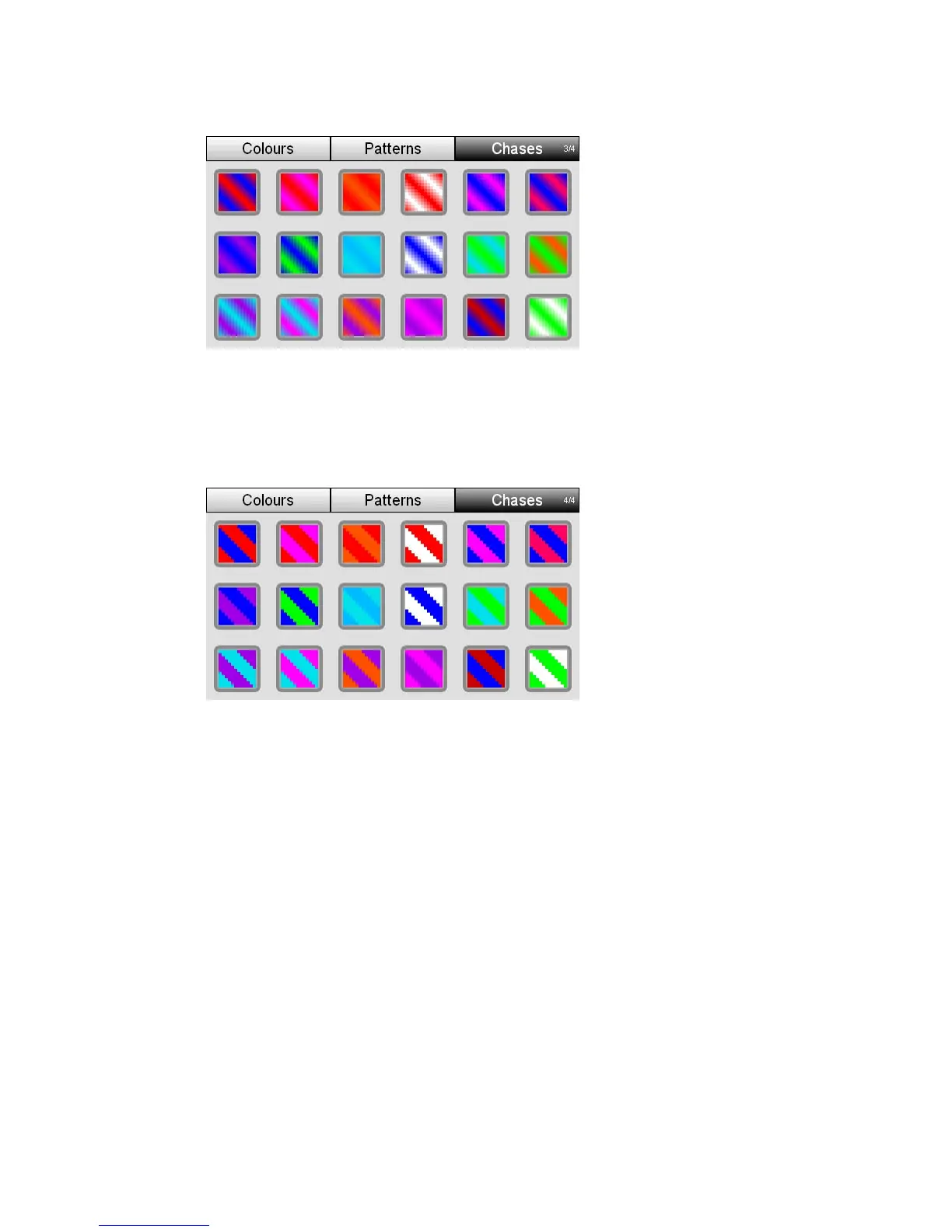
Page3–Crossfadechases
When you apply a chase from page 3 one colour is applied to each half of the
selected fixture cha s the
f nnels
Page4–Snapchases
nnels. The two colours then crossfade as they chase acros
ixture cha
he
selected fixture channels. The two colours then snap between colours as they
Ap
pply a chase
2. From the Home screen select the Colour button. Stage CL opens the Colour
window with the Colour swatches tab selected:
switch to the Patterns tab.
5.
W n you apply a chase from page 4 one colour is applied to each half of the
chase across the fixture channels
plyingcolourchases
To a
1. Select two or more fixtures.
3. Press the Chases button to
4. Press the Chases button again if you want to switch to another page
Touch on one of the 18 chase buttons. Stage CL sets the selected lights to this
chase.
StageCLUserGuide,Version1.3 6‐7



 To Next Page