Monitoringtheconsole Monitoringthefixturecontrols
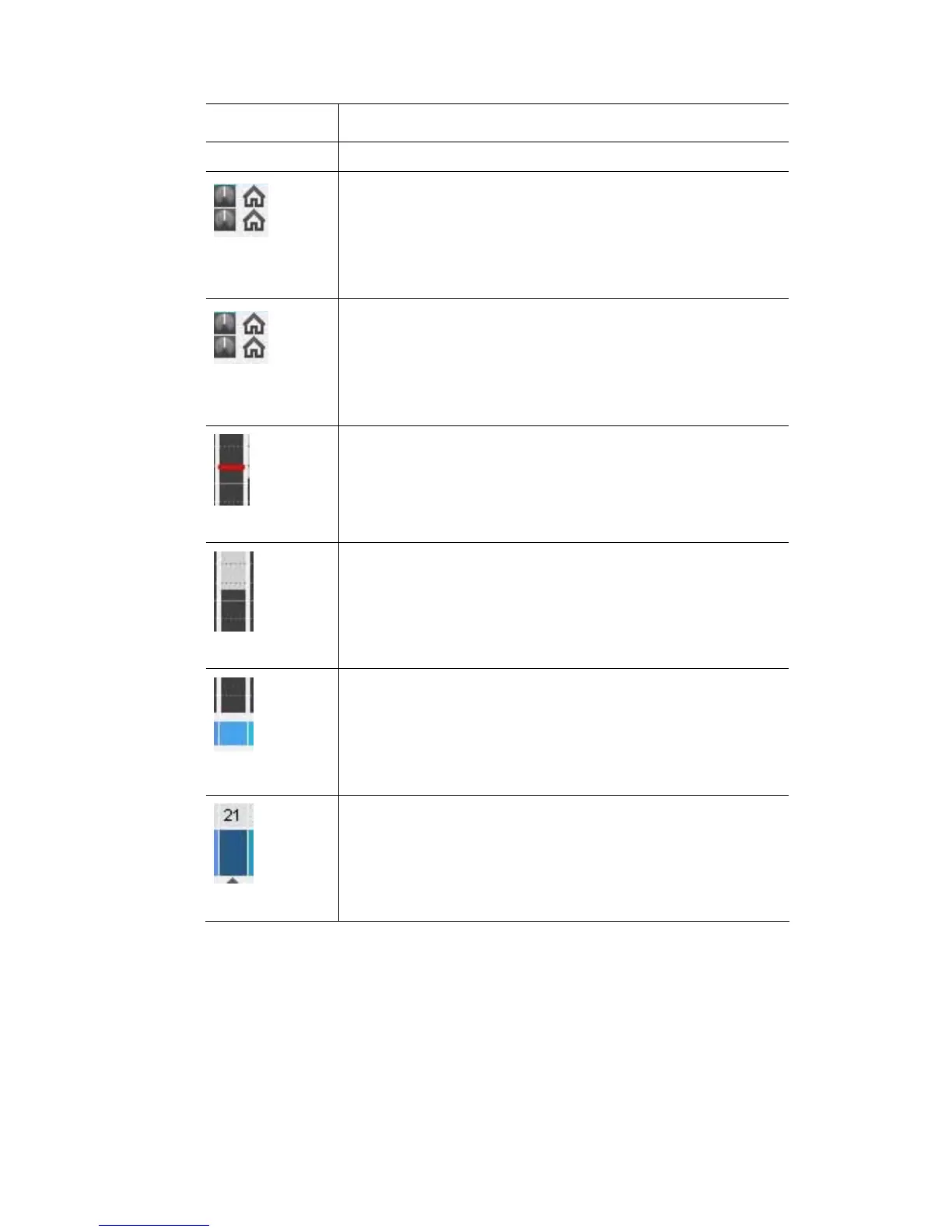
This indicator shows this…
Colour output
replaced by two rows of icons that show the setting for the
features that are assigned to the Hue and Saturation dials.
If there is no feature assigned to these dials an X will be
For fixtures without colour mixing (RGB) the color swatch is
Dial (1 & 2)
settings
displayed.
The 3
rd
and 4
th
row of icons show the setting for the feat
that has b
ure
een assigned to the Shift+Hue and Shift+Saturation
dials.
If there is no feature assigned to these dials an X will sbe
displayed.
Dial (3 & 4)
settings
Fader level
The red line across the fader strip shows the position of the
channel fader.
In this example the fader is not at the same level as the
output.
In this example the fader is not at the same level
output.
Output level
The dark grey filled section of the bar shows the output level
of the channel.
as the
Colour setting
er bar shows the colour
settings of the Hue and Saturation dials. This colour swatch
d by the fader level.
The colour box, below the fad
is not affecte
The colour box, above the fader bar shows the colour output
Colour output
the
channel intensity level is not at 100%
of the channel.
In this example the colour is a dark green because
StageCLUserGuide,Version1.3 10‐3



 To Next Page