3 6 E.
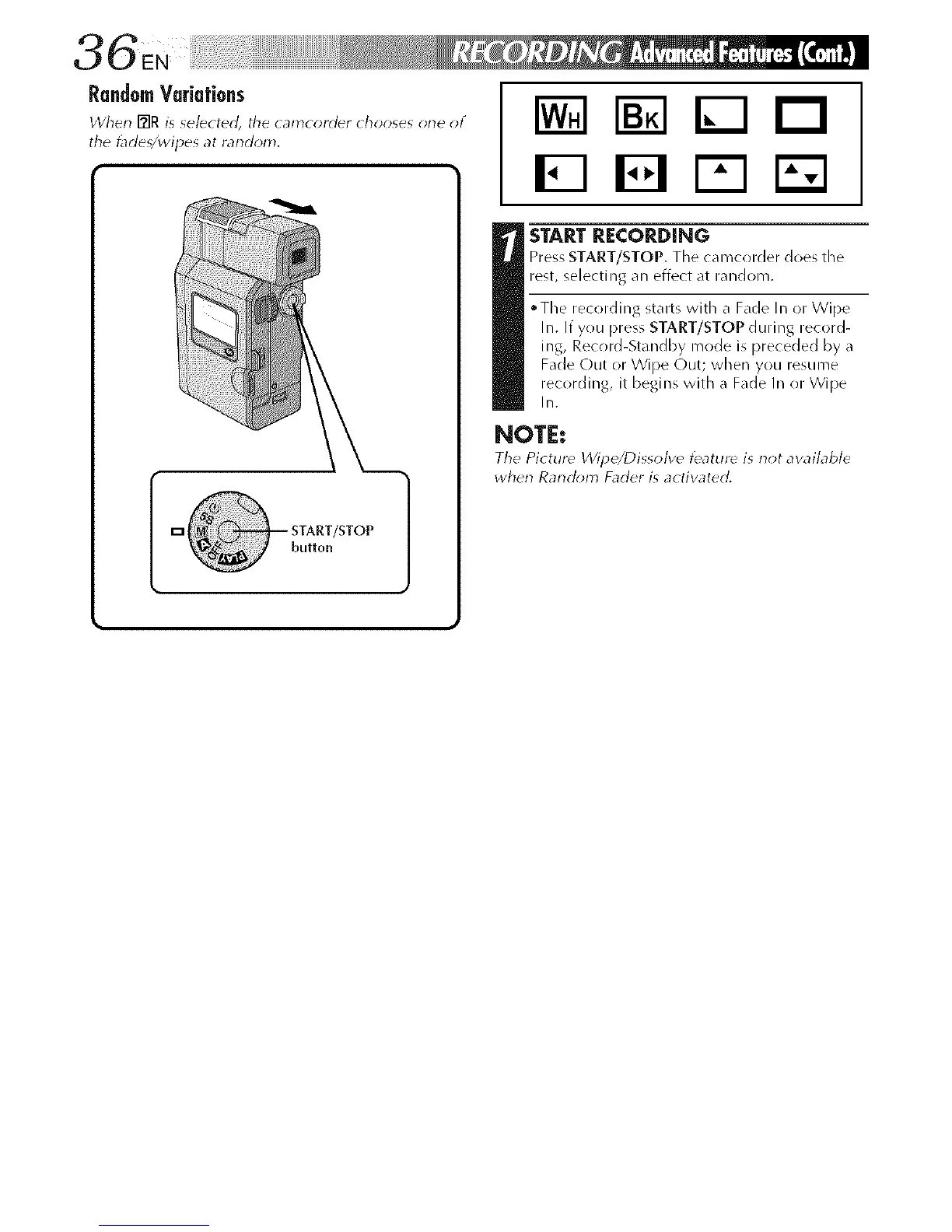
RandomVariations
the _de_/wipes at random.
E3 FI
START RECORDING
Press START/STOP. The camcorder does the
rest, selecting an effect at random.
• The recording starts with a Fade In or Wipe
In. If you press START/STOP during record-
ing, Record-Standby mode is preceded by a
Fade Out or Wipe Out; when you resume
recording, it begins with a Fade In or Wipe
In.
NOTE:
The Picture Wilde/Dissolve teature is riot awdlable
wherl Rarldom Fader is actiwted.



 To Next Page