12
Table of ContentsSetting UpWi-Fi StreamingUsing KEF Connect AppFAQ and Troubleshooting
6.3 Onboarding
6.3.1 Installing the KEF Connect App
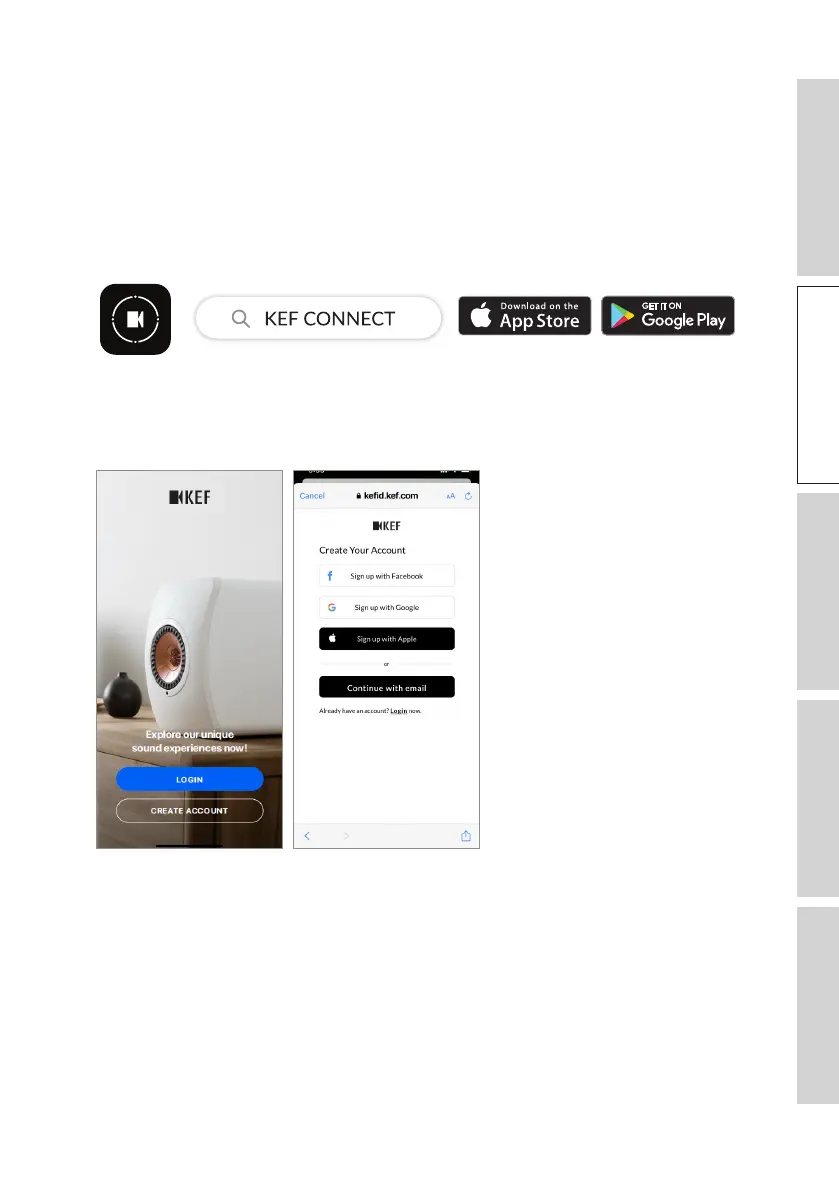
Install the KEF Connect App on your mobile device to get the speakers “onboarded”
to your Wi-Fi network.
1. Search “KEF Connect” in the App Store or Google Play Store to download and install
the KEF Connect App on your iOS* or Android** device.
2. Launch the KEF Connect App on your device and create a user account. You may
log in with your existing Facebook, Google or Apple account, or create a new KEF
account with your email address.
*Requires iOS 14 or above. Refer to App Store for the latest requirements.
**Requires Android 8 or above. Refer to Google Play for the latest requirements.



 To Next Page