81
Table of ContentsSetting UpWi-Fi StreamingUsing KEF Connect AppFAQ and Troubleshooting
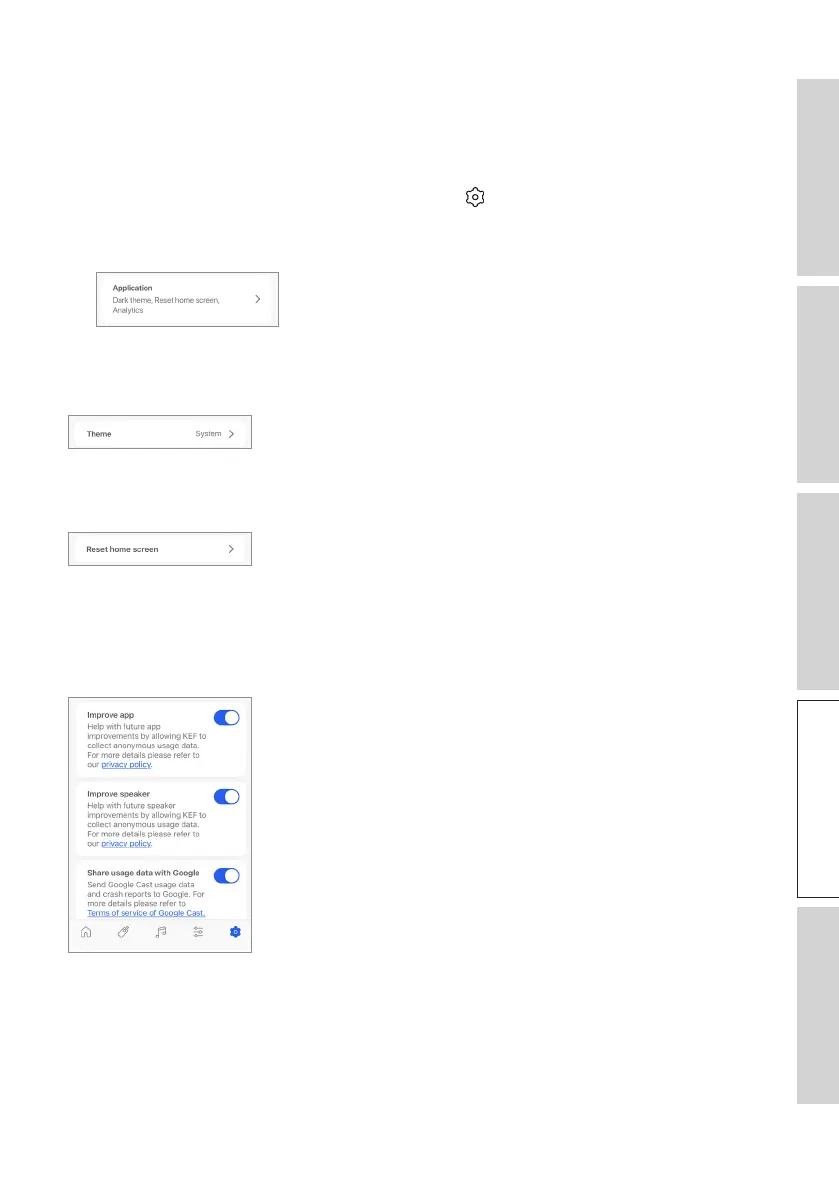
16.11 Application
This menu allows you to reset the home screen and send analytics.
To access this menu:
1. In the KEF Connect App, tap the Setting icon ( ) at the bottom of the Home
screen.
2. Tap “Application”.
16.11.1 Theme Settings – Theme
This setting allows you to set a theme mode (System, Light or Dark).
16.11.2 Theme Settings – Reset Home Screen
This setting allows you to reset the Home screen of the app to default settings.
16.11.3 Analytics – Improve App/Speaker
This setting allows the KEF Connect app to anonymously send improvement analytics
to KEF. We recommend this setting is enabled to help KEF to improve product
performance



 To Next Page