80
Table of ContentsSetting UpWi-Fi StreamingUsing KEF Connect AppFAQ and Troubleshooting
16.10.3 Manual Firmware Update
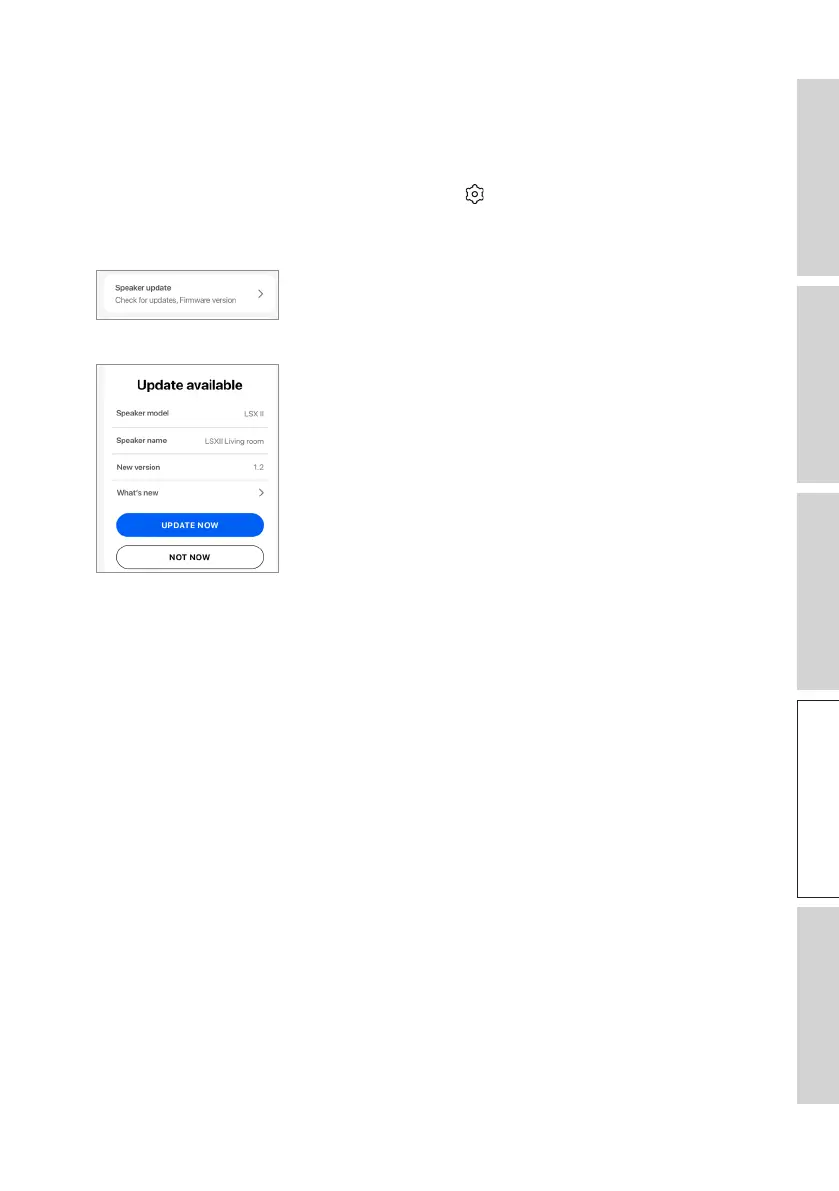
This menu allows you to manually check for firmware updates.
To access this menu:
1. In the KEF Connect App, tap the Setting icon ( ) at the bottom of the Home
screen.
2. Tap “Speaker update”.
3. Ifanupdateisavailable,tap“Updatenow”toproceedwiththermwareupdate.



 To Next Page