37
Table of ContentsSetting UpWi-Fi StreamingUsing KEF Connect AppFAQ and Troubleshooting
9.3 ROON
With Roon Ready certification, the speakers are compatible with Roon’s multi-room
streaming functionality.
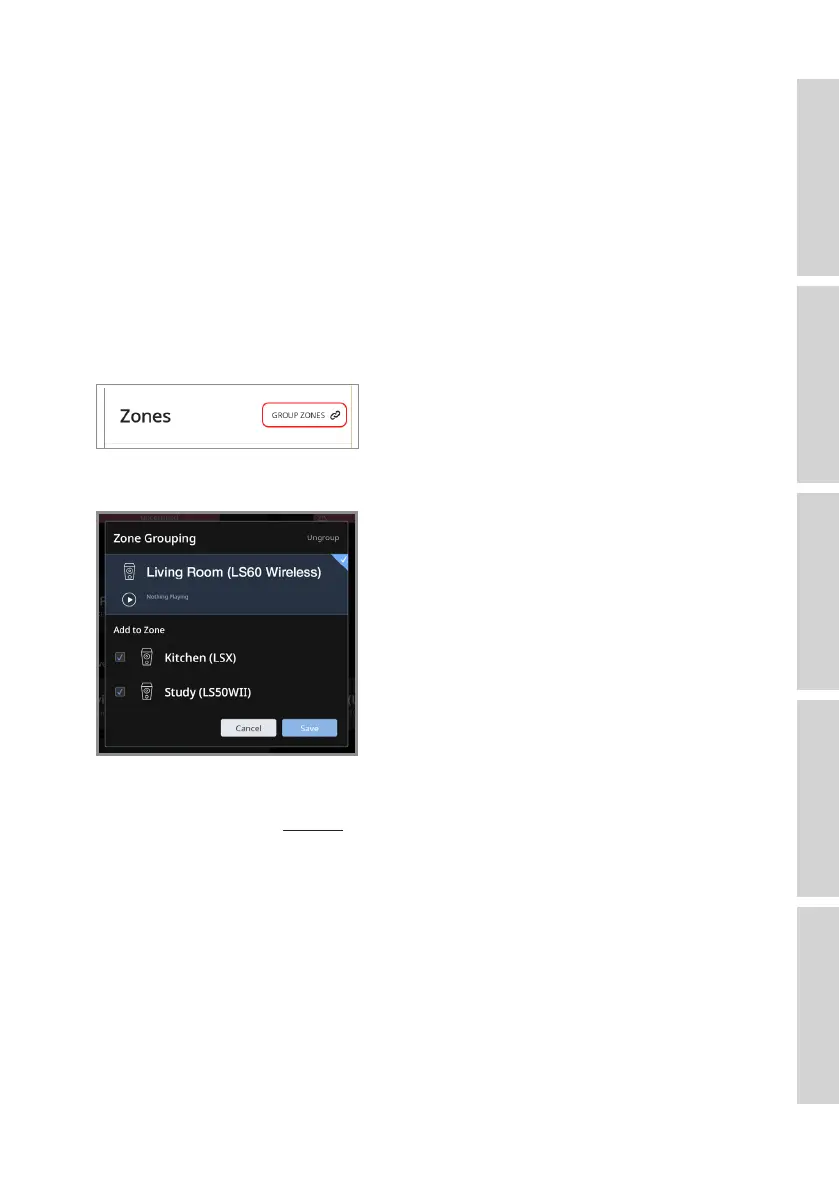
Roon supports “Zone Grouping”, or synchronizing audio playback in several zones
within your house. Note that “Zones” can only be grouped with other zones of the
same type (e.g. RAAT, AirPlay etc.).
1. To group zones, select the zone you are controlling in desktop and tablet interface, by
clicking the “Zone Picker” in the footer, next to volume.
On a phone, select by clicking “Switch Zone” below the volume pop-up.
2. Tap “Group Zones”. This brings up the available zones for grouping.
3. Select the desired zone(s) to be added and then tap “Save”.
The speakers in the grouped zones will stream the same audio output.
For more support, visit ROON.



 To Next Page