68
Table of ContentsSetting UpWi-Fi StreamingUsing KEF Connect AppFAQ and Troubleshooting
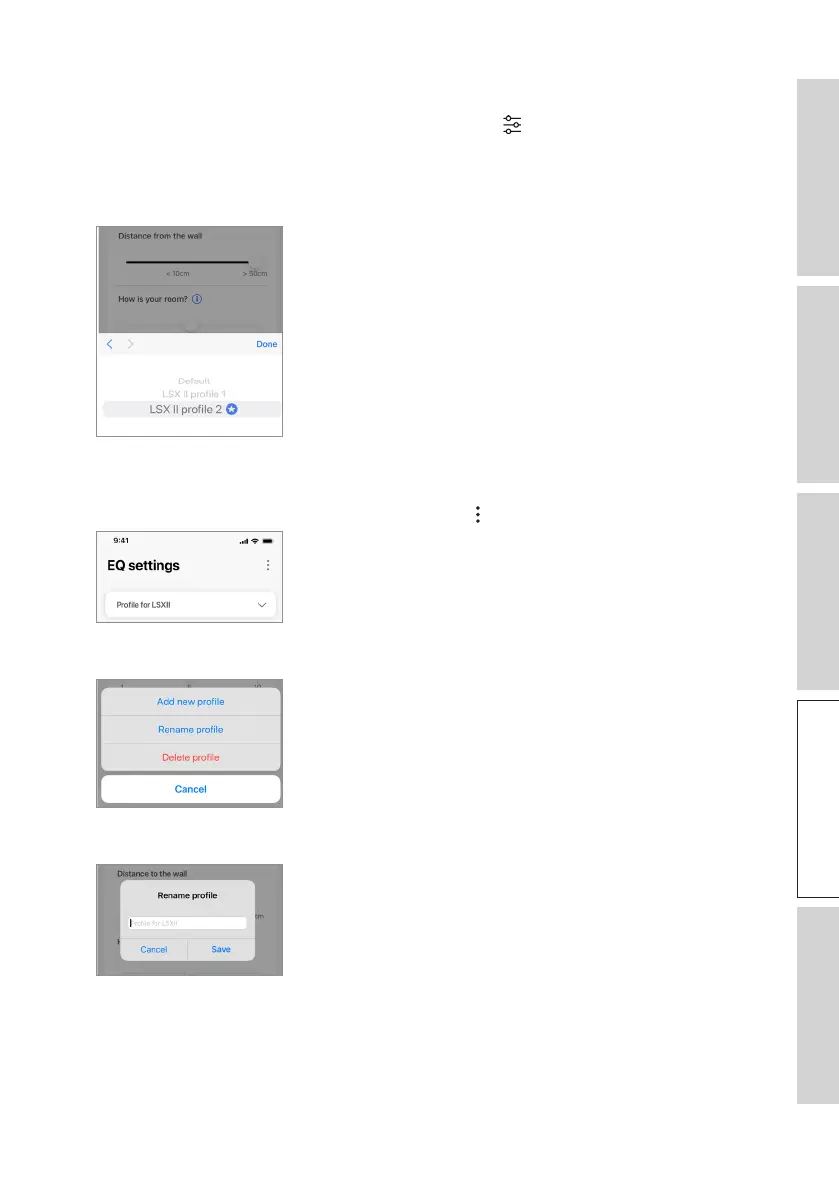
16.4.3 Selecting a Sound Profile
1. In the KEF Connect App, tap the EQ settings icon ( ) at the bottom of the Home
screen.
2. Tap “Default” and then select a sound profile to apply to the speakers. The profiles
with a star icon are created in Expert mode.
16.4.4 Renaming a Sound Profile
1. IntheselectedEQprole,taptheoptionicon( ) at the top right.
2. Tap“Renameprole”.
3. Createanewnameforyourproleandthentap“Save”.



 To Next Page