20
Table of ContentsSetting UpWi-Fi StreamingUsing KEF Connect AppFAQ and Troubleshooting
7. Connection and Control Interface
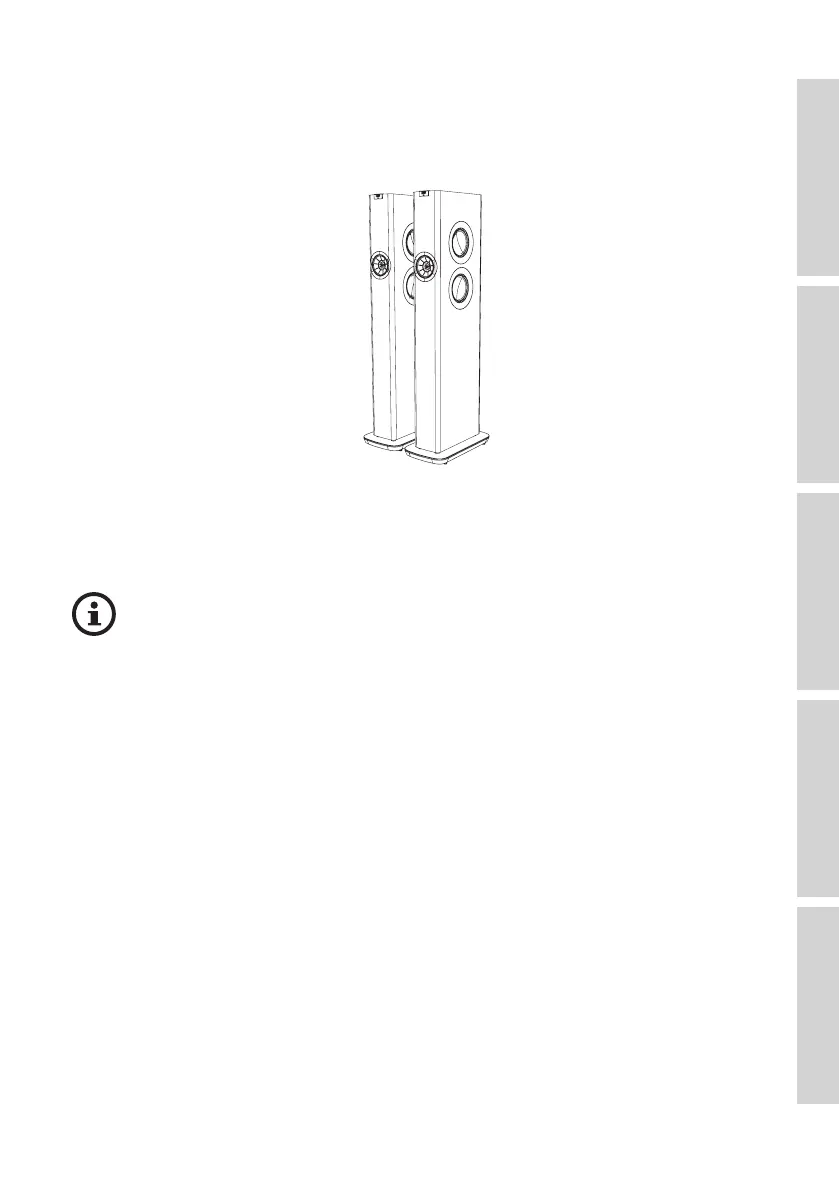
7.1 Front Panel
Primary SpeakerSecondary Speaker
• An LED indicator light can be found below the KEF logo of each speaker.
• The IR (infrared) receiver for the remote control can be found on the Primary
Speaker where the KEF logo is located.
The LED indicator light of the Secondary Speaker only comes on when:
• The Secondary Speaker is initially connected to power and is working
properly. The LED indicator light will briefly come on orange and then go out.
• An error occurs.
• During normal operation the LED indicator light on the Secondary Speaker
will not illuminate.



 To Next Page