35
Table of ContentsSetting UpWi-Fi StreamingUsing KEF Connect AppFAQ and Troubleshooting
9. Multi-Room Streaming
9.1 AirPlay 2
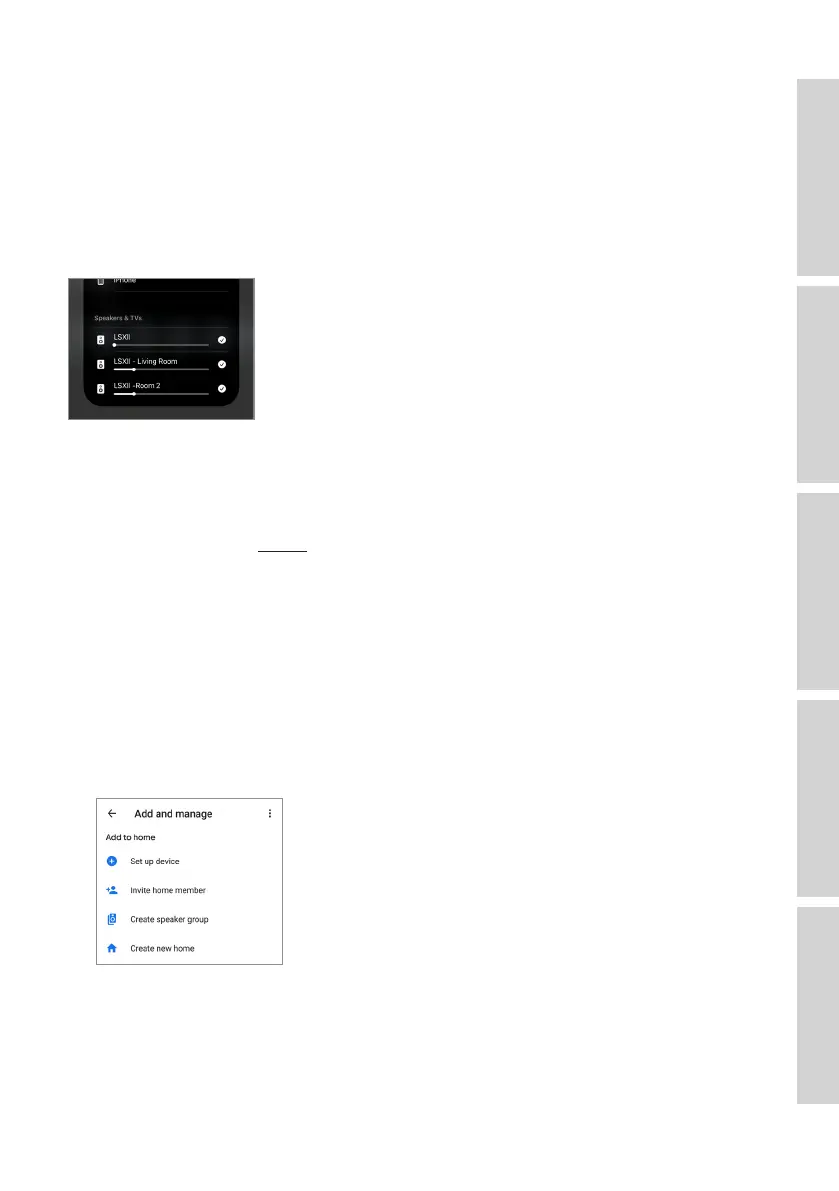
Apple Airplay 2 can extend the speakers to become part of a multi-room wireless
music system which can be controlled with iOS devices. If you have more than one pair
of AirPlay 2 speakers connected to the same network, select the pairs for playback of
the same audio output at the same time.
You can control the volume of the speakers individually or together as a group.
Note: Legacy AirPlay (AirPlay 1) speakers are not compatible with multi-room
streaming.
For more support, visit Apple.
9.2 Chromecast
You can group the speakers and Chromecast devices together for synchronous music
throughout the home.
1. Make sure your mobile device is connected to the same Wi-Fi network or linked to
the same account as your speakers.
2. Open the Google Home App.
3. At the top left, tap “+” and then “Create a speaker group”.



 To Next Page