61
Table of ContentsSetting UpWi-Fi StreamingUsing KEF Connect AppFAQ and Troubleshooting
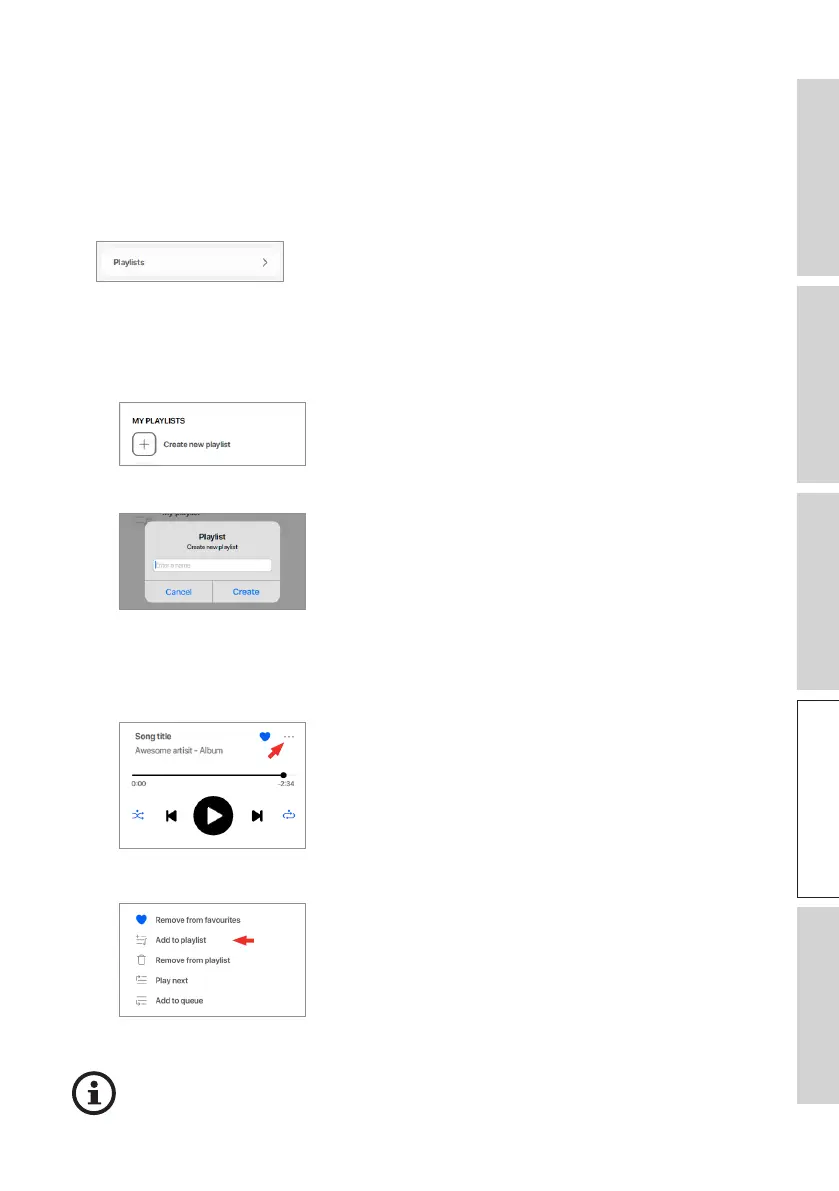
16.3.2.5 Playlists
A playlist is a list of tracks that can be played back in the preferred sequential order.
Playlists can be saved for future listening.
• Accessing the Playlists
In the current music source, tap “Playlists” in the main menu.
• Creating a Playlist
1. In the current music source, tap “Playlists” in the main menu.
2. Tap “Create new playlist”.
3. Create a name for the playlist and then tap “Create”.
• Adding Tracks to a Playlist
1. From a list of tracks or from the playback screen, tap the option icon (
…
) on the
right
2. Tap “Add to playlist”.
3. Select the playlist you want to add the track to.
Depending on your selections, you can also add all tracks from an artist or all
tracks from an album to the playlist.



 To Next Page