75
Table of ContentsSetting UpWi-Fi StreamingUsing KEF Connect AppFAQ and Troubleshooting
16.8 Volume
This menu allows you to configure volume settings. To access this menu:
1. In the KEF Connect App, tap the Setting icon ( ) at the bottom of the Home
screen.
2. Tap “Volume”.
16.8.1 Volume Display Setting
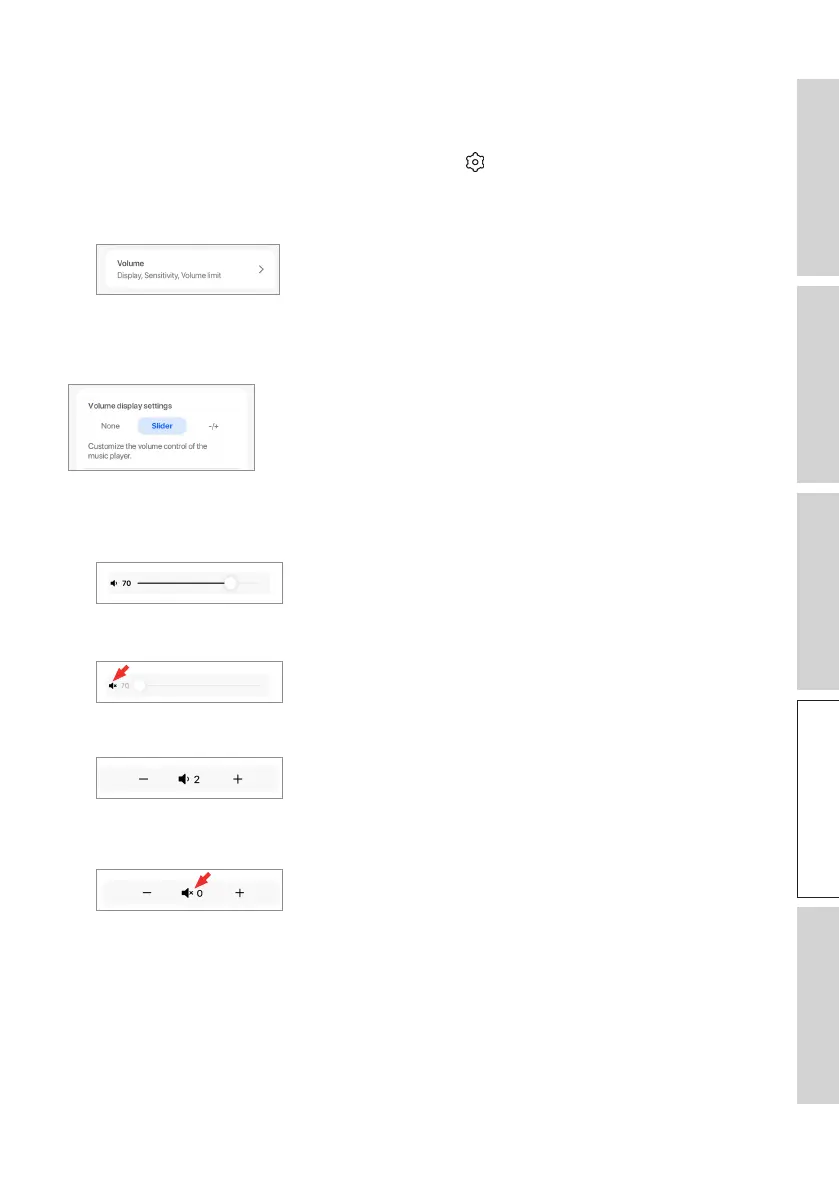
This setting allows you to configure how the volume control should be displayed.
• None: No volume control will be displayed during playback.
• Slider: The volume control will be displayed as a slider for adjustment.
Tap the speaker icon on the left to mute or restore audio output from the speakers.
• –
/+: The volume control will be displayed as “–” and “+” buttons for adjustment.
Tap the speaker icon in the middle to mute or restore audio output from the
speakers.



 To Next Page