82
Table of ContentsSetting UpWi-Fi StreamingUsing KEF Connect AppFAQ and Troubleshooting
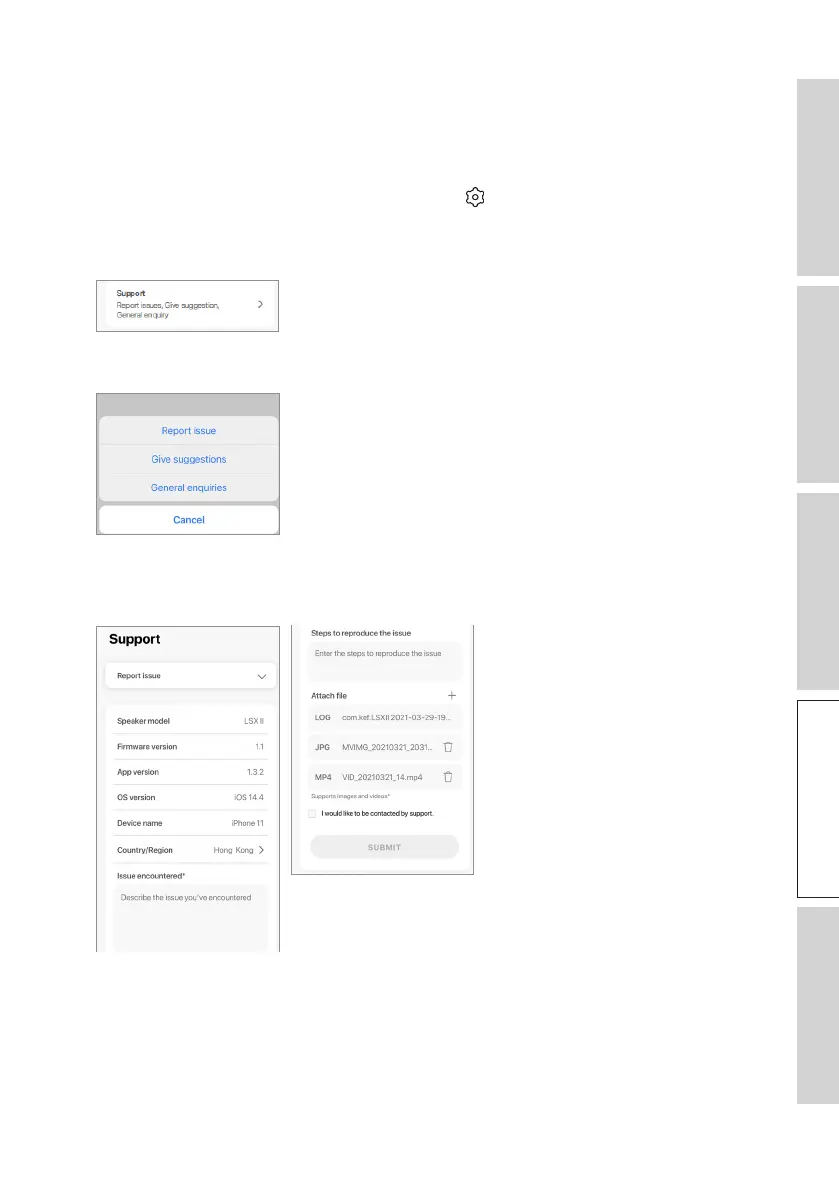
16.12 Support
This menu allows you to report issues, give suggestions and make general enquiries.
To access this menu:
1. In the KEF Connect App, tap the Setting icon ( ) at the bottom of the Home
screen.
2. Tap “Support”.
3. Select the type of support you need and proceed as instructed on the screen.
4. When reporting an issue, your email program will automatically attach the speaker
logs that helps KEF investigate the issue. Please add a description of the problem in
the email message as well.



 To Next Page