70
Table of ContentsSetting UpWi-Fi StreamingUsing KEF Connect AppFAQ and Troubleshooting
16.5 Profile
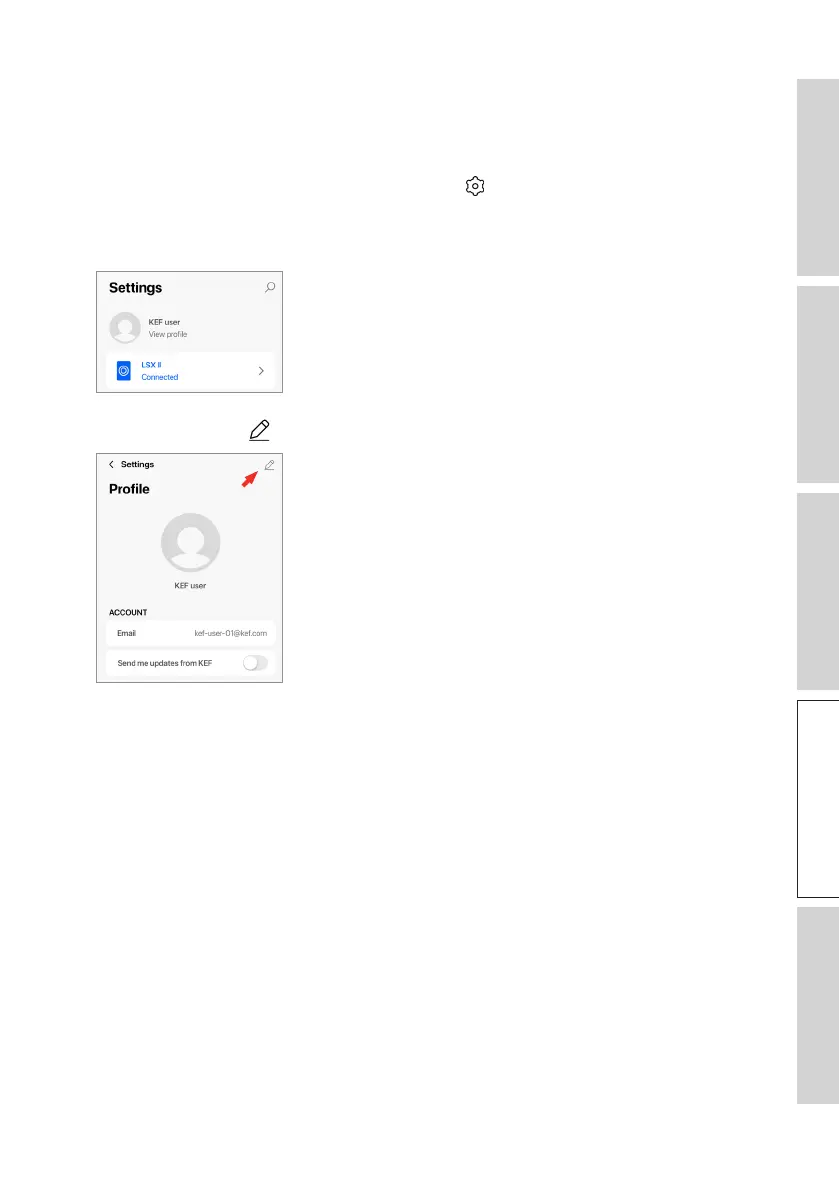
This menu allows you to edit your personal details (account name and profile picture)
of your registered user account.
1. In the KEF Connect App, tap the Setting icon ( ) at the bottom of the Home
screen.
2. Tap“Viewprole”.
3. Tap the edit icon ( ) at the top right and start editing.



 To Next Page