73
Table of ContentsSetting UpWi-Fi StreamingUsing KEF Connect AppFAQ and Troubleshooting
16.7 Speaker Preferences
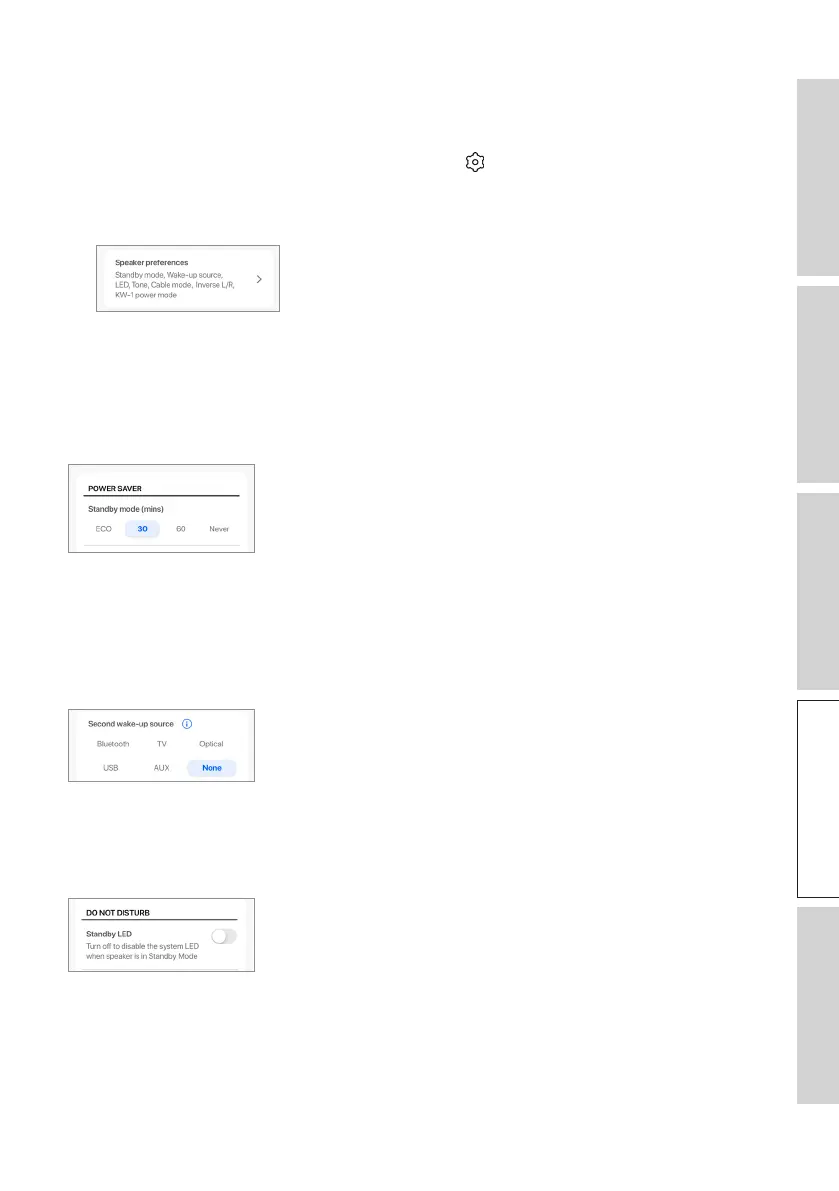
This menu allows you to configure various speaker preferences. To access this menu:
1. In the KEF Connect App, tap the Setting icon ( ) at the bottom of the Home
screen.
2. Tap “Speaker preferences”.
16 .7.1 Power Saver – Standby Mode
This setting determines how long (ECO (20), 30 or 60 mins) the speakers will remain
idle before automatically entering Standby Mode. If “never” is selected, the speakers
must be manually turned off.
16 .7.2 Power Saver – Second Wake-Up Source
This setting enables a second source to automatically turn on the speakers when there
is audio input from the selected source. This option is not available when Standby
Mode is set to ECO.
16 .7.3 Do Not Disturb – Standby LED
This setting enables the LED indicator light to turn off when the speakers are in
Standby mode.



 To Next Page