28
Table of ContentsSetting UpWi-Fi StreamingUsing KEF Connect AppFAQ and Troubleshooting
8.1.3 ROON Ready
Roon is a high quality music management system that pulls together music from a NAS
drive, locally stored music (i.e. on your computer), compatible streaming services and
Dropbox to create a searchable, surfable magazine about your music. The speakers are
certified “Roon Ready”. For more information on Roon, visit roonlabs.com.
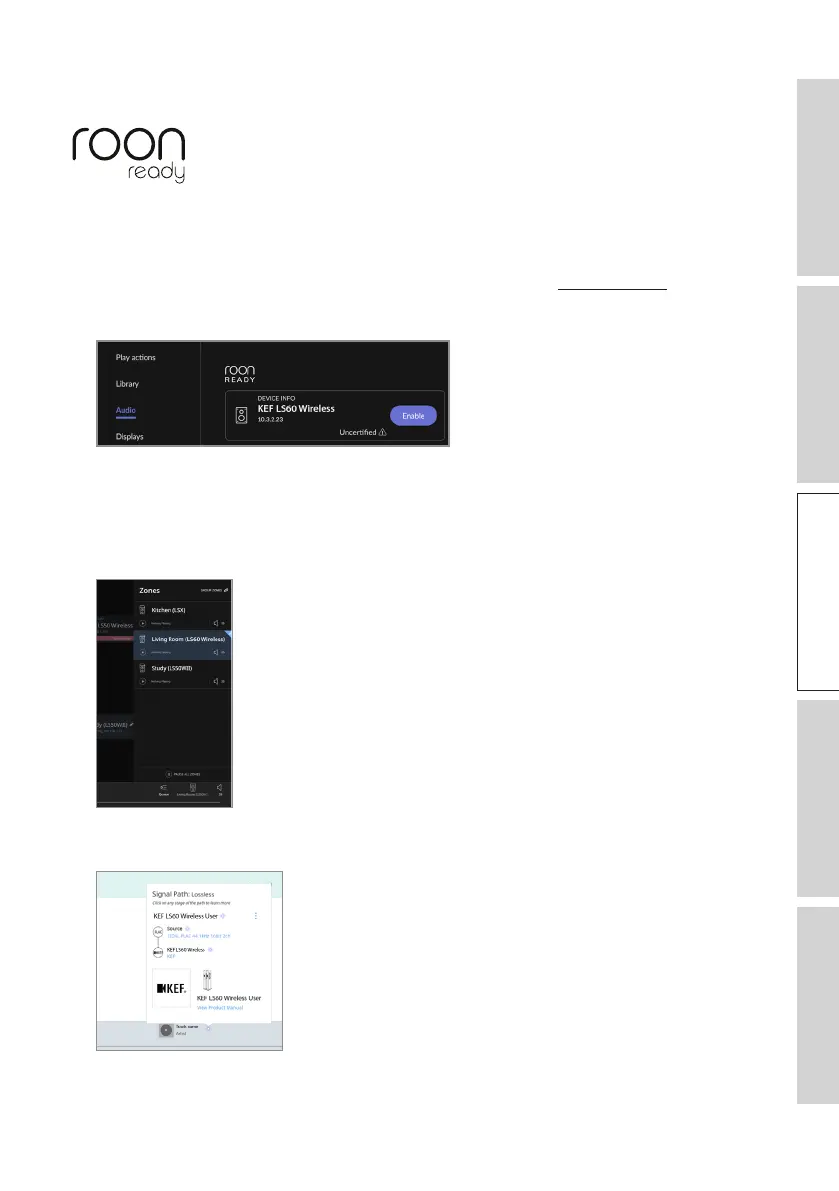
1. Enable the speakers in the Audio menu.
Note: KEF LS60 Wireless will be Roon Ready soon.
2. To stream music, click the “Zone Picker” next to volume at the footer of Roon and
then select “KEF LS60 Wireless” (or the name you have created for the speakers)
from the device list.
3. The signal path can be found by clicking the little coloured light in the footer.



 To Next Page