65
Table of ContentsSetting UpWi-Fi StreamingUsing KEF Connect AppFAQ and Troubleshooting
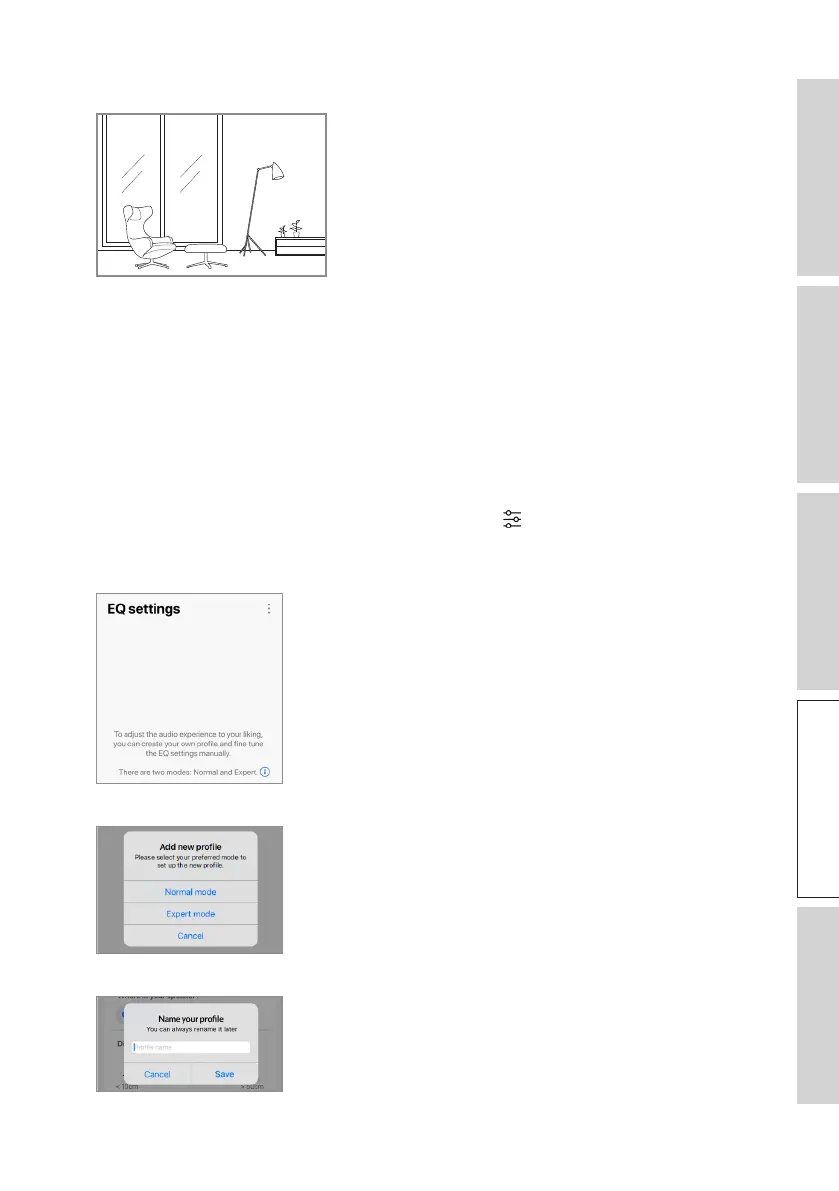
Lively: Hard floor, less furniture, large windows and no curtains
• How large is the room? (< 20 m
2
/ 20–40 m2 / > 40 m
2
)
• Balance Control (L–C–R)
• Subwoofer is plugged in (No / Yes).
If a subwoofer is plugged in, set up the model, balance and volume of the subwoofer.
6. Tap “Save” when the settings are done.
16.4.2 Expert Mode
1. In the KEF Connect App, tap the EQ settings icon ( ) at the bottom of the Home
screen.
2. Tap“Addnewprole”.
3. Select “Expert mode”.
4. Createanameforyournewproleandthentap“Save”.



 To Next Page