27
Table of ContentsSetting UpWi-Fi StreamingUsing KEF Connect AppFAQ and Troubleshooting
8.1.2 Chromecast
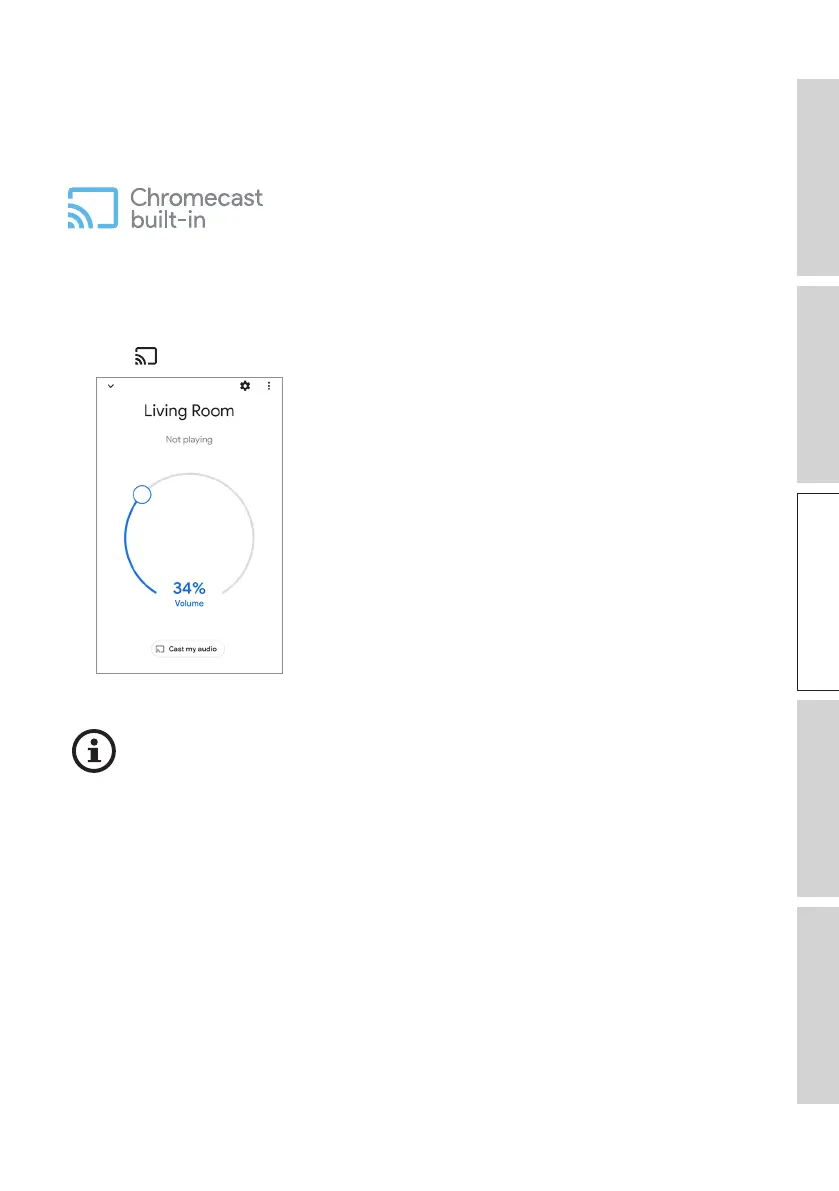
If your device is Chromecast-enabled, you can stream audio output from the device to
the speakers.
1. Start music or video playback on your Chromecast-enabled device.
2. In the Google Home App, tap “LS60 Wireless” (or the name you have created for the
speakers).
3. Tap “ Cast my audio”.
• The availability for streaming depends on the app compatibility.
• The latest operations of the Google Home App may differ from the above.



 To Next Page