15
Table of ContentsSetting UpWi-Fi StreamingUsing KEF Connect AppFAQ and Troubleshooting
9. When the process is completed, tap “Continue” to start using the KEF Connect App.
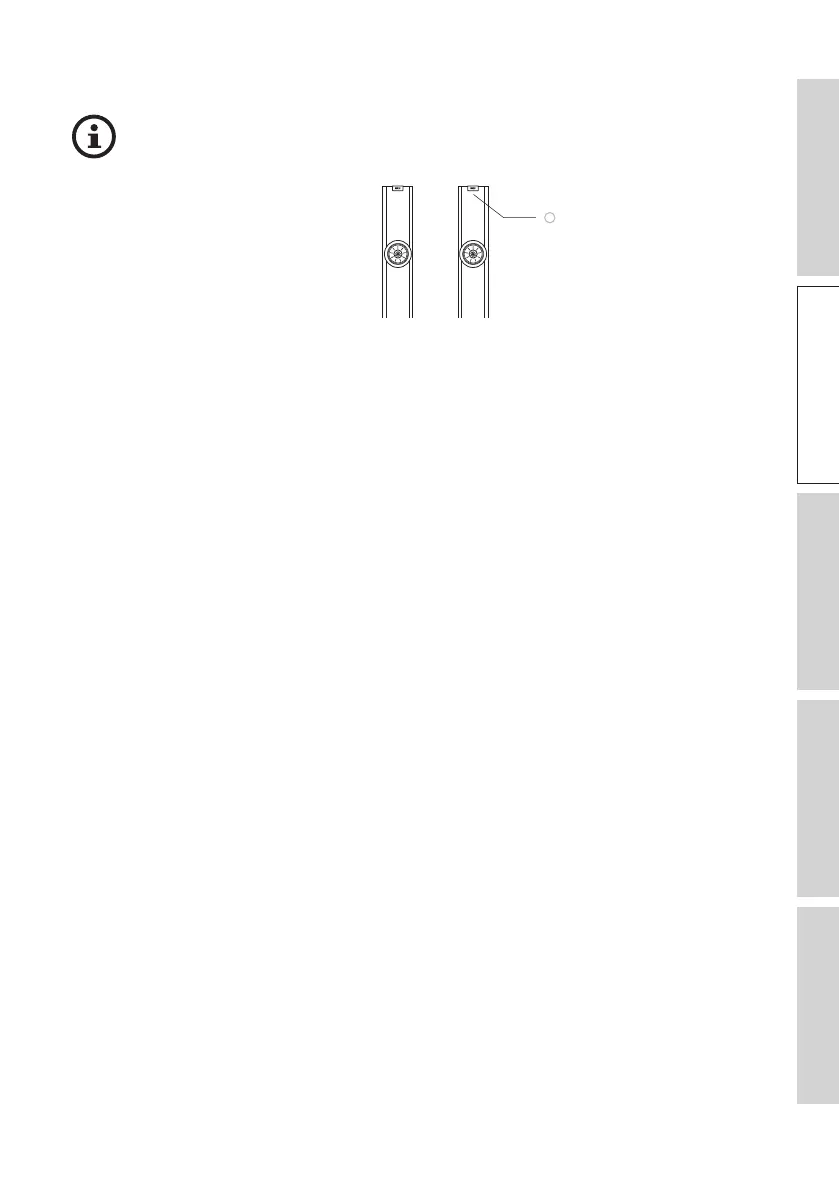
• The LED indicator light of the Primary Speaker illuminates white briefly and
then fades out when the speakers are successfully connected.
• After successful connection, you may be prompted if there is a new firmware
update available. Follow the instructions in the KEF Connect App to
complete the update process.
• The latest operations of the Google Home App may differ from the above.



 To Next Page