93
Table of ContentsSetting UpWi-Fi StreamingUsing KEF Connect AppFAQ and Troubleshooting
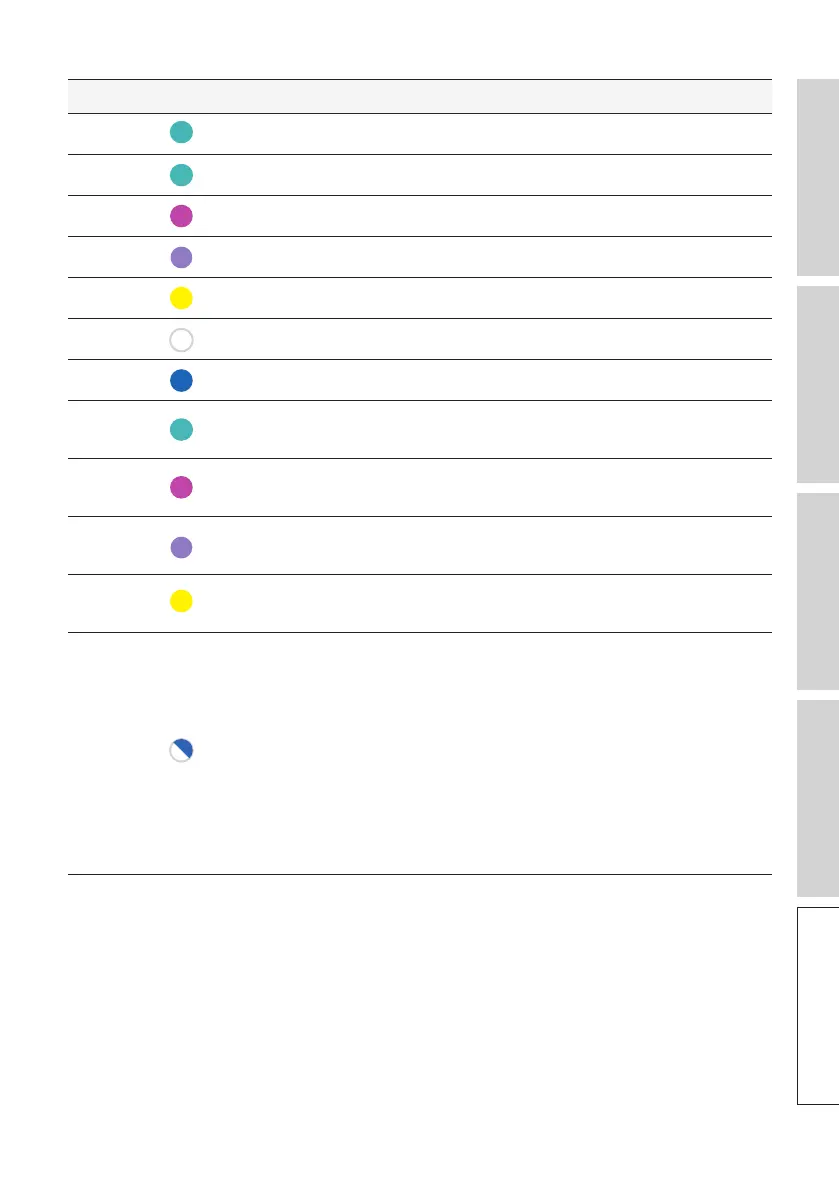
Speaker Pattern Status
Primary Pulsing light blue The speakers are connecting to a TV.
Primary
Blinking light blue The speakers are not connected to a TV.
Primary
Solid magenta* The speakers are operating in Optical Mode.
Primary
Solid lavender* The speakers are operating in Coaxial Mode.
Primary
Solid yellow* The speakers are operating in AUX Mode.
Primary
Blinking white slowly The speakers are muted in Wi-Fi Mode.
Primary
Blinking blue slowly The speakers are muted in Bluetooth mode.
Primary
Blinking light blue
slowly
The speakers are muted in TV Mode.
Primary
Blinking magenta
slowly
The speakers are muted in Optical Mode.
Primary
Blinking lavender
slowly
The speakers are muted in Coaxial Mode.
Primary
Blinking yellow
slowly
The speakers are muted in AUX Mode.
Primary
Blinking white and
blue
The Primary Speaker is in wireless pairing mode
searching for the Secondary Speaker.
1. Make sure Cable Mode is disabled on the KEF
Connect app (Settings > Speaker preferences
> Cable mode).
2. On the Secondary Speaker, press the (P) P/S
Pairing button once. The Secondary Speaker
will search for the Primary Speaker for
reconnection.



 To Next Page