KINOVA
®
Gen3 Ultra lightweight robot User Guide 101
displayed are only those that have occurred since the web application was opened. These events
will be lost when the application is closed.
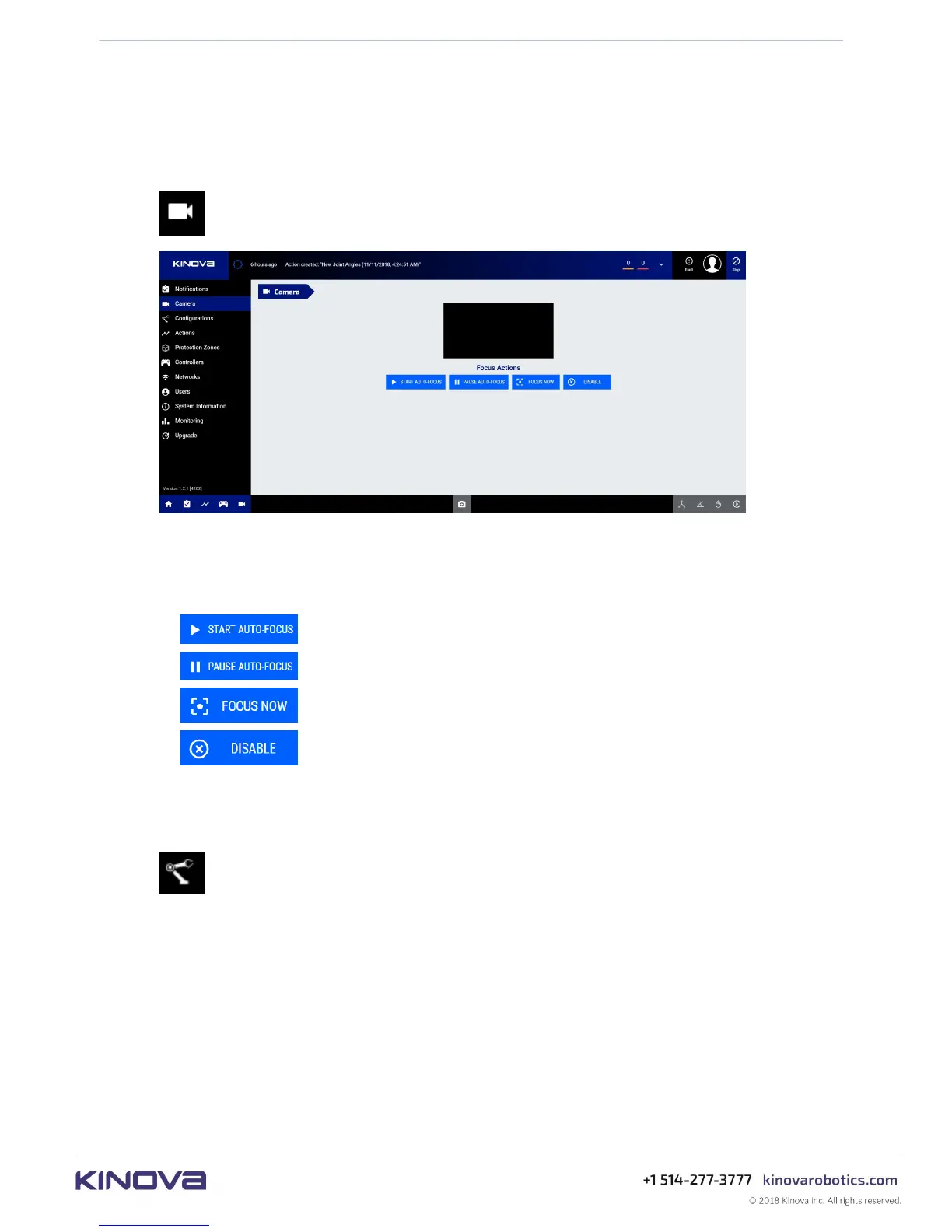
Camera
This section describes the Camera page of the Web App.
The Camera page allows you to see the video feed from the installed vision module.
There are four controls available on this page:
•
Start auto-focus
•
Pause auto-focus
•
Focus now
•
Disable auto-focus
Configurations
This section describes the Configurations page of the Web App.
The Configurations page allows users to configure different aspects of the arm hardware
and set safeties.
Figure 40: Camera page



 To Next Page