KINOVA
®
Gen3 Ultra lightweight robot User Guide 115
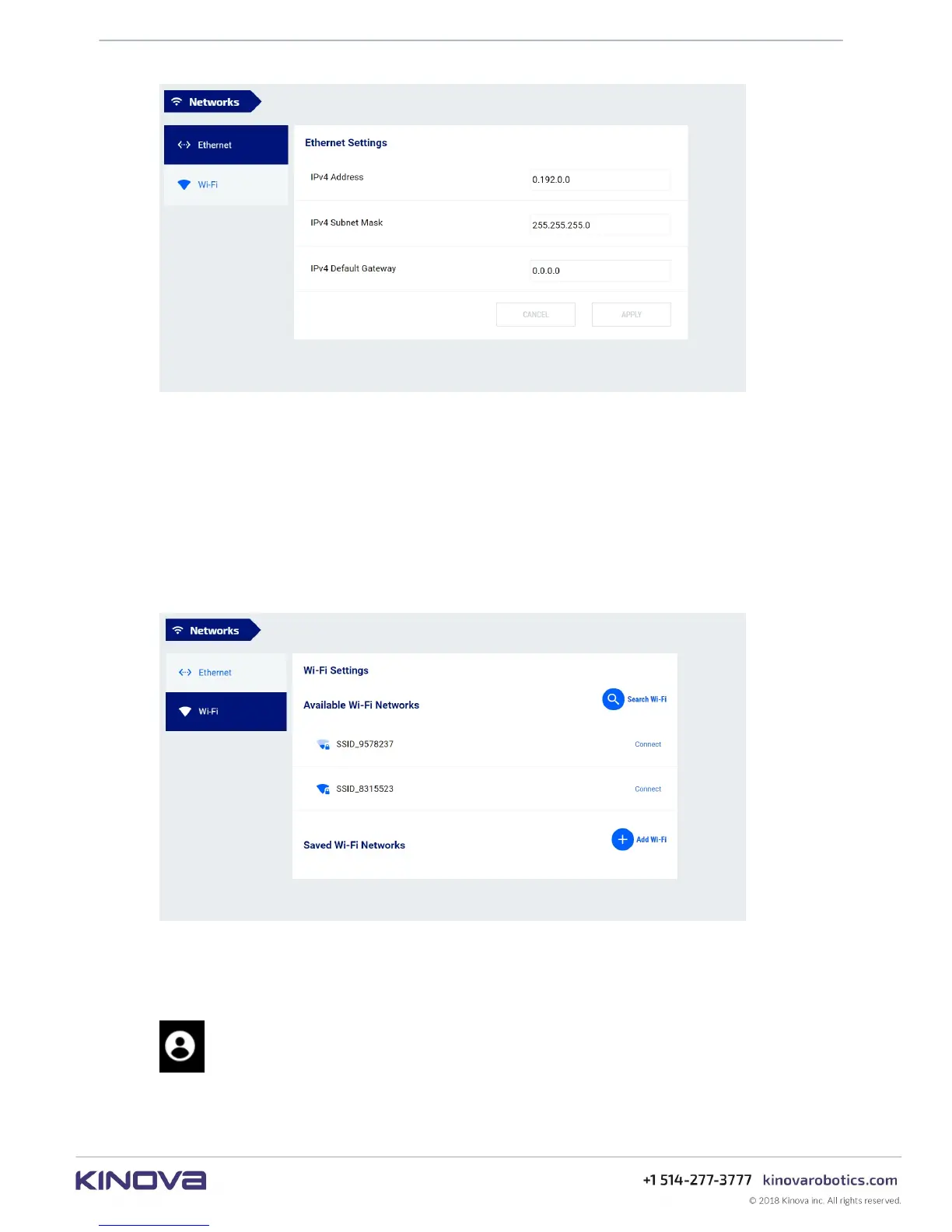
Figure 59: Networks page
The page has two tabs, one for each connection method.
The Ethernet Settings tab allows you to configure:
• IPv4 address
• IPv4 subnet mask
• IPv4 default Gateway
The Wi-Fi Settings tab allows you to enable Wi-Fi networking with the robot and find and
connect to available Wi-Fi networks.
Figure 60: Wi-Fi Settings tab
Users
This section describes the Users page of the Web App.
The Users page is used to define, set, and edit user profiles for the robot.



 To Next Page