KINOVA
®
Gen3 Ultra lightweight robot User Guide 90
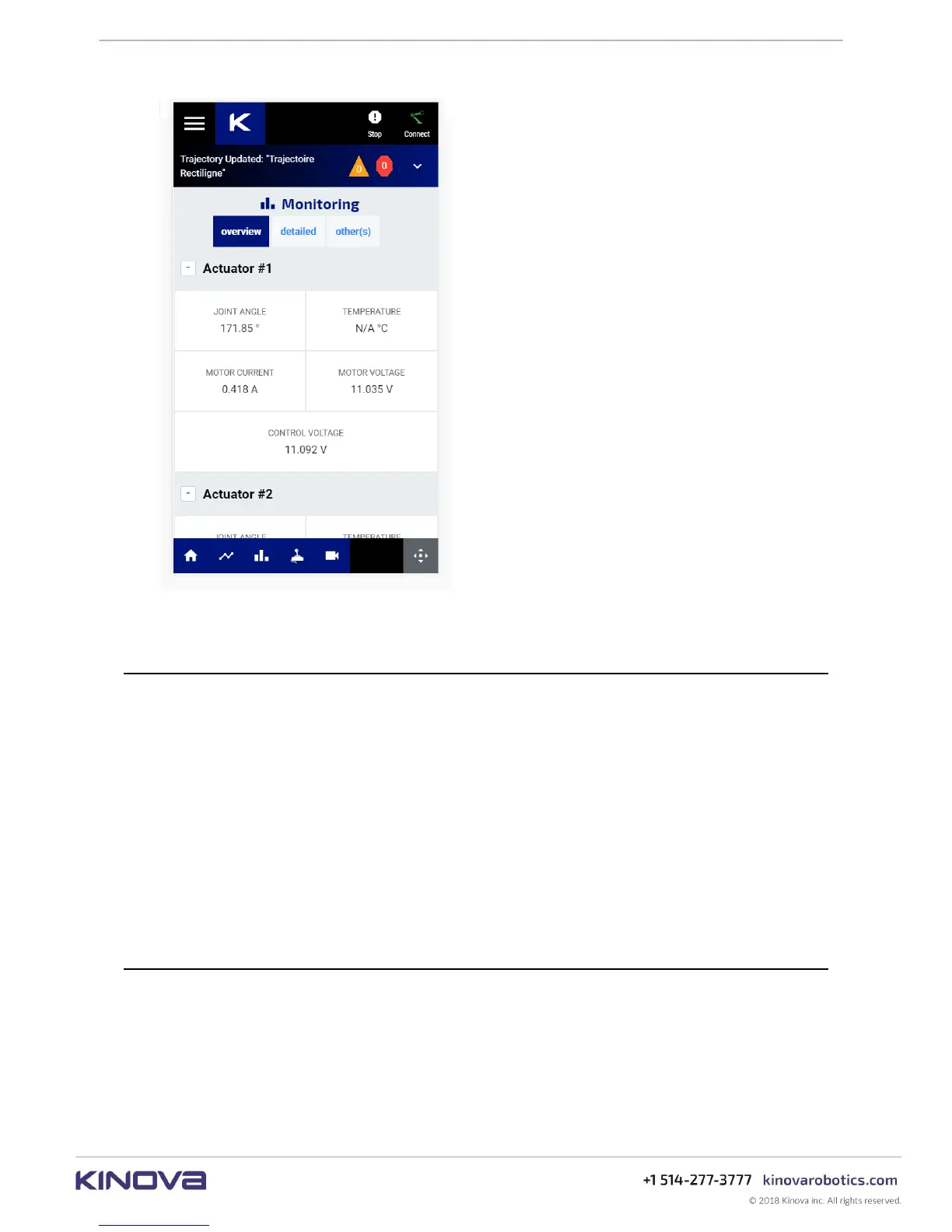
Figure 30: Smartphone
Platform and browser support
This section describes platform and browser support for the Web App. The
Web App has the following platform and browser support.
Browser support
Support for Google Chrome version 64+ is available on the following platforms:
Operating system support
• Microsoft Windows 7/8/10
• Ubuntu LTS 16.04
• Android 8.1 and higher
Other browsers and platforms are not currently supported - some features may work
differently in those cases. Support for other major browsers is planned for the near future.
User login
This section describes how to log in to the Web App.
After establishing a network connection between your device and the robot, open a web
browser and enter the IP address for the robot base external interface.
The Web App will launch, ending in a login popup.



 To Next Page