KINOVA
®
Gen3 Ultra lightweight robot User Guide 99
Control Shortcut key
decrease angle right control
Angular joystick keyboard shortcuts
Control Shortcut key
increase angle 1
Actuator 1
decrease angle Q
increase angle 2
Actuator 2
decrease angle W
increase angle 3
Actuator 3
decrease angle E
increase angle 4
Actuator 4
decrease angle R
increase angle 5
Actuator 5
decrease angle T
increase angle 6
Actuator 6
decrease angle Y
increase angle 7
Actuator 7
decrease angle U
Put another way, the angles for joints 1-7 can be increased using the keys 1-7 on the top of the
keyboard.
The angles can be descreased using the letter keys QWERTYU on the top row of the keyboard.
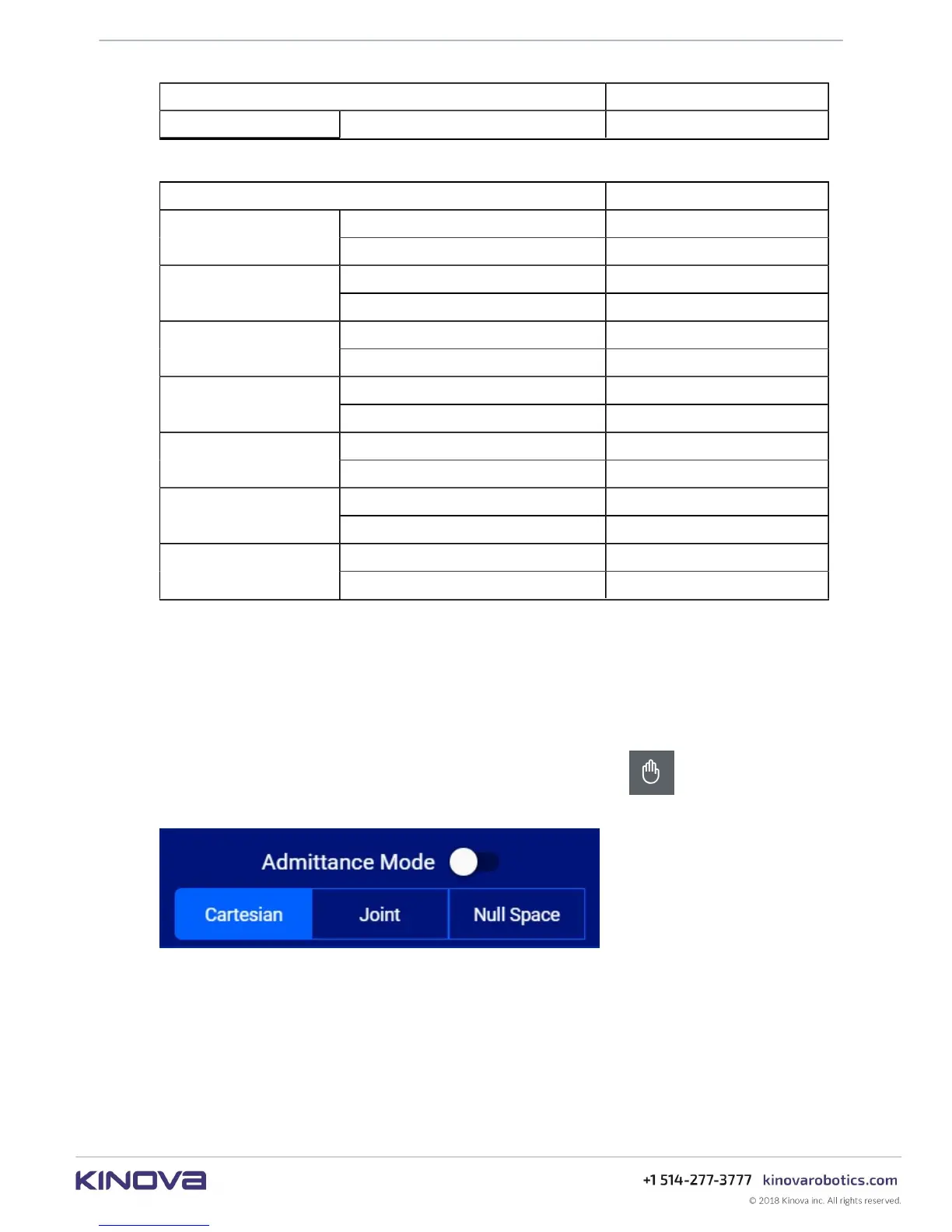
Admittance modes panel
This section describes the admittance mode panel of the Web App.
The Admittance Mode panel is brought up by clicking the hand icon in the robot control
panel. The panel slides up from the bottom of the screen.
Figure 38: Admittance modes panel
An admittance mode is one in which the control systems of the robot take into account external
force / torque feedback from its environment.
From this panel, the arm can be set into one of three types of admittance mode:
• Cartesian admittance mode - end effector moves linearly according to the wrench (force +
torque) applied on the end effector
• Joint admittance mode - joints of the arm rotate according to the external torques applied at
the joint



 To Next Page