KINOVA
®
Gen3 Ultra lightweight robot User Guide 17
Getting started
This section describes how to get started with the arm.
The pages that follow lead you through getting started with the robot. This includes:
• unboxing
• physically mounting the robot securely
• provisioning electrical power
• controlling the robot using an Xbox gamepad
• moving the robot in admittance using physical buttons
• connecting a computer to the robot
•
connecting to the KINOVA
®
KORTEX™ Web App
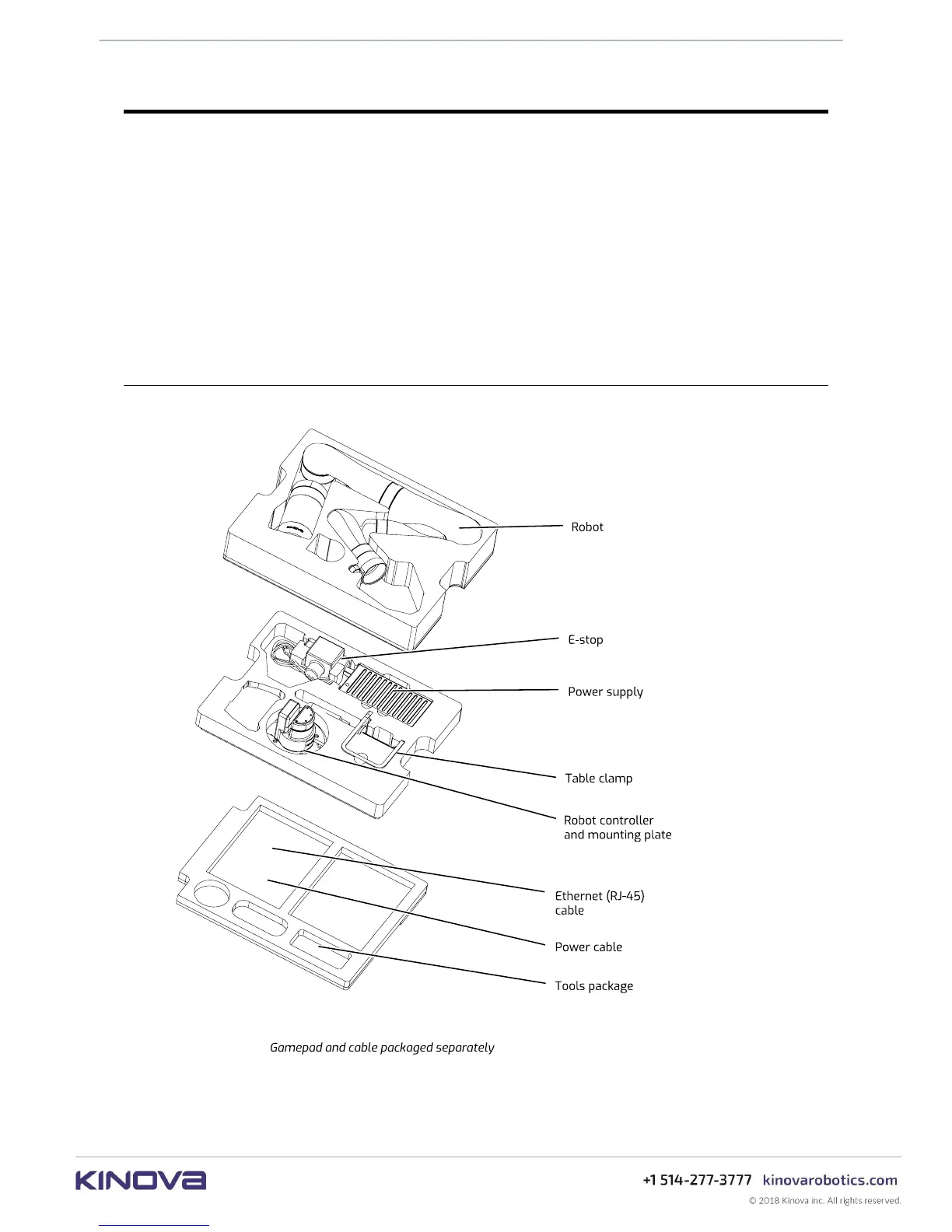
What's in the case?
This section describes the KINOVA
®
Gen3 Ultra lightweight robot shipping case contents.
Figure 1: shipping case contents



 To Next Page