KINOVA
®
Gen3 Ultra lightweight robot User Guide 145
Power LED Status LED
color status color status
Description
n/a off n/a off system not
powered
blue blinking n/a off system booting
blue solid amber solid system initializing
n/a off green solid
system operating
normally
blue blinking amber solid
system currently
updating at least
one component
blue solid red solid system in
error state
How to respond to safety warnings and errors
This section describes how to respond to safety warnings and error states experiened
when operating the robot.
Overview
The robot has a number of warning and error thresholds set for safety purposes. These are
viewable (and in some case configurable) in the Web application. The following tables give more
guidance as to the source of the problem when a safety threshold is triggered.
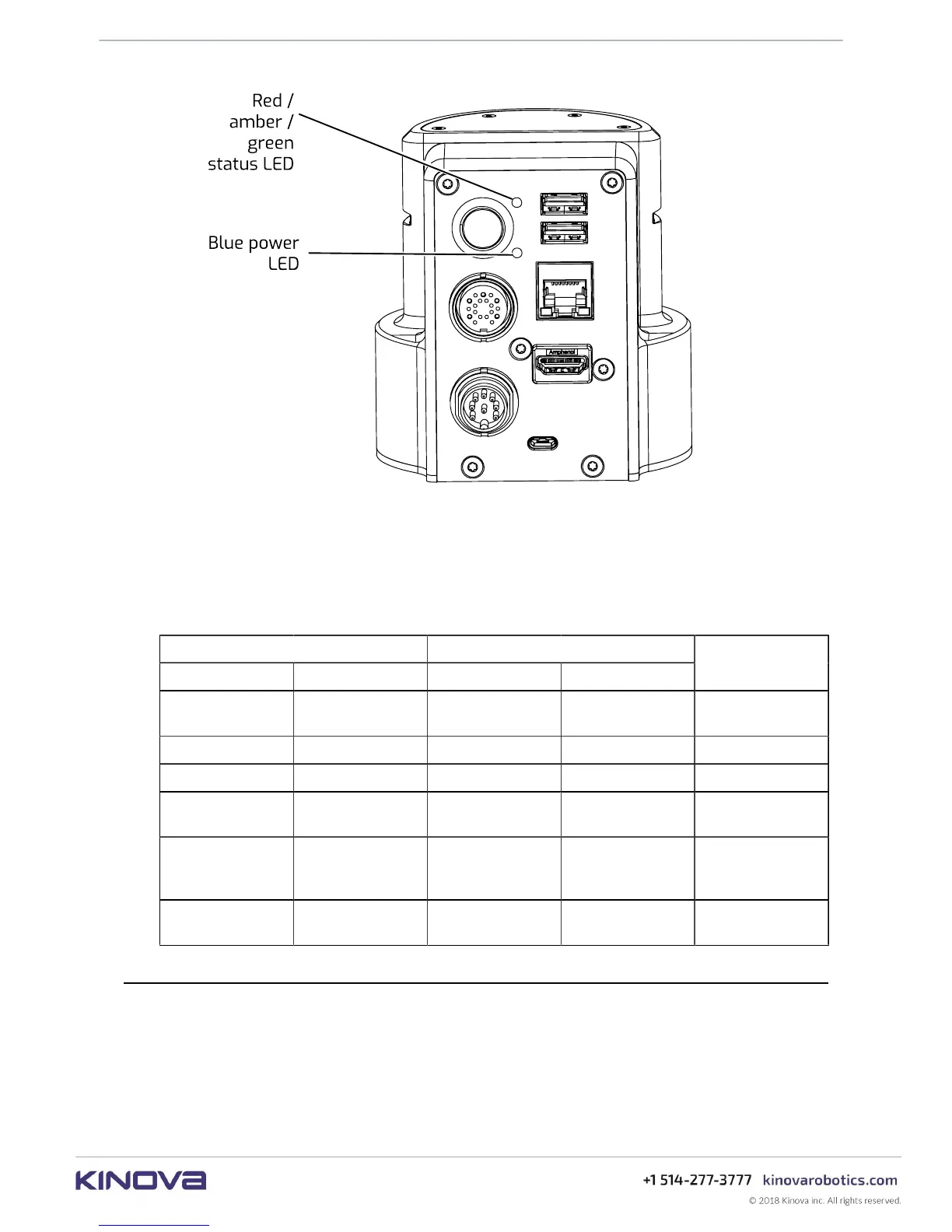
Figure 72: Base controller LEDs
Base controller LED details
Table 48: LED interpretation



 To Next Page