KINOVA
®
Gen3 Ultra lightweight robot User Guide 92
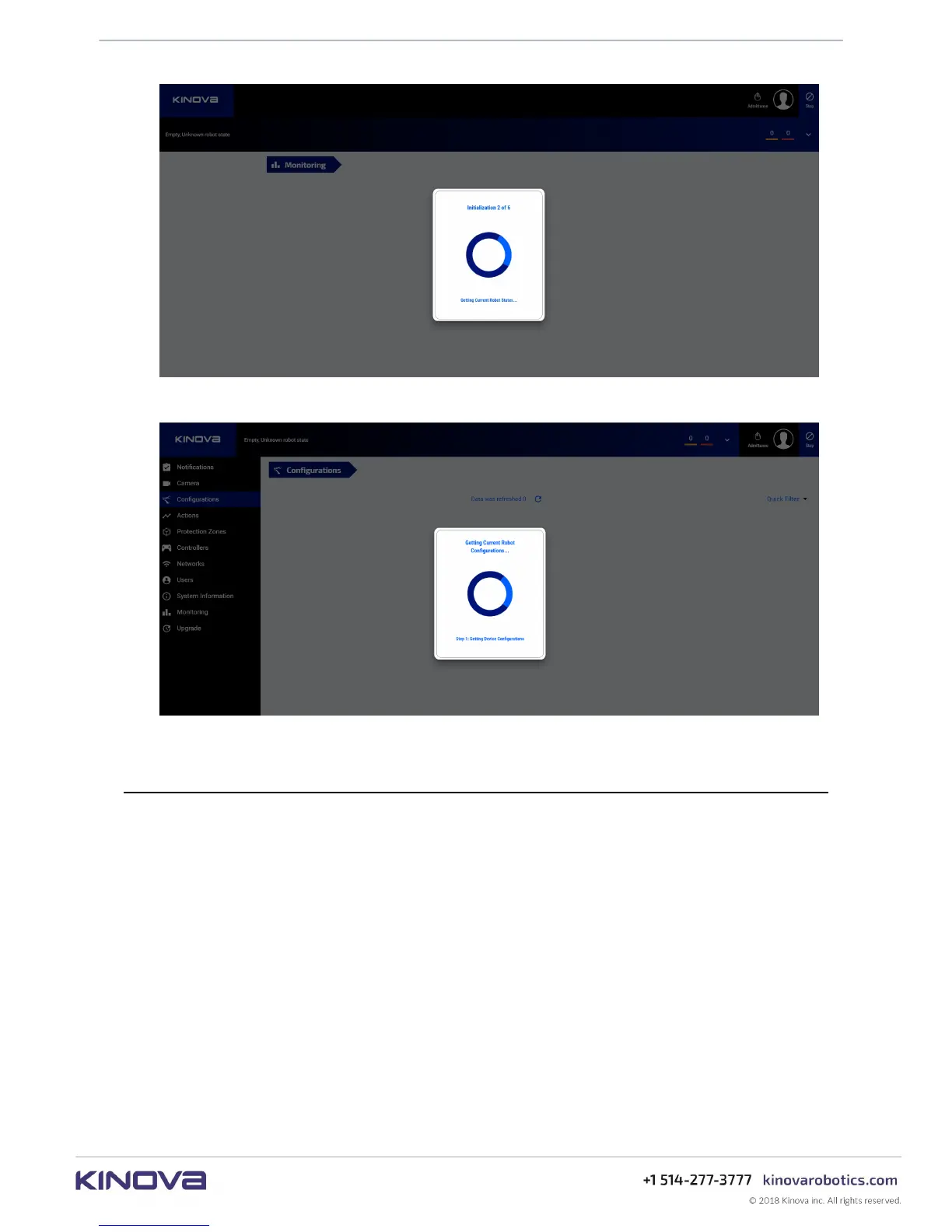
Figure 33: Initializing...
Web App layout and navigation
This section describes the layout and navigation of the Web App.
The Web App screen is divided into several main sections:
• Main navigation panel
• Main information panel
• Notification bar
• Shortcuts panel
• Robot control panel
• Mode indicator, user icon, and E-stop
Figure 34: Getting robot configurations



 To Next Page