KINOVA
®
Gen3 Ultra lightweight robot User Guide 91
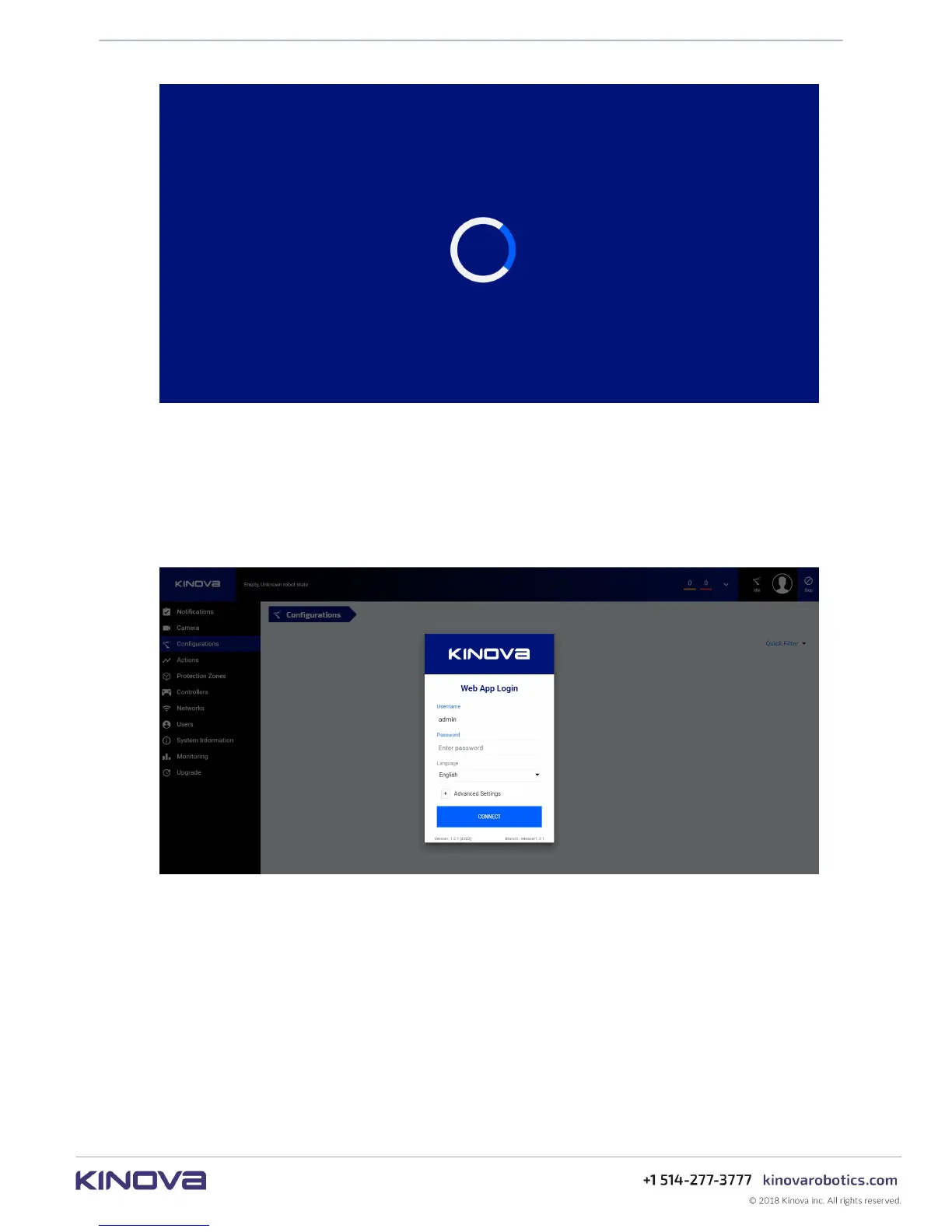
Enter your user name and password and press the CONNECT button.
The default username and password when the robot first arrives are:
• username: admin
• password: admin
Figure 32: User login
On pressing CONNECT, the Web App will launch and initialize. While it is doing this, the Web
App will give visual feedback to the user on the status of initialization of the application and
loading of robot configurations into the application.
Figure 31: Launching...



 To Next Page