4-14
e) Disconnect the two wires from the con-
vection fan motor terminals.
f) Remove the mounting screw from the
convection fan motor and remove the
motor.
c) Pull the range out of its mounting loca-
tion so that you can access the rear of
the unit.
d) Remove the rear panel from the unit
(see page 4-9 for the procedure).
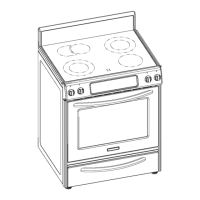
b) Remove the three motor mounting
screws from the cavity liner.
5. To remove the convection fan motor:
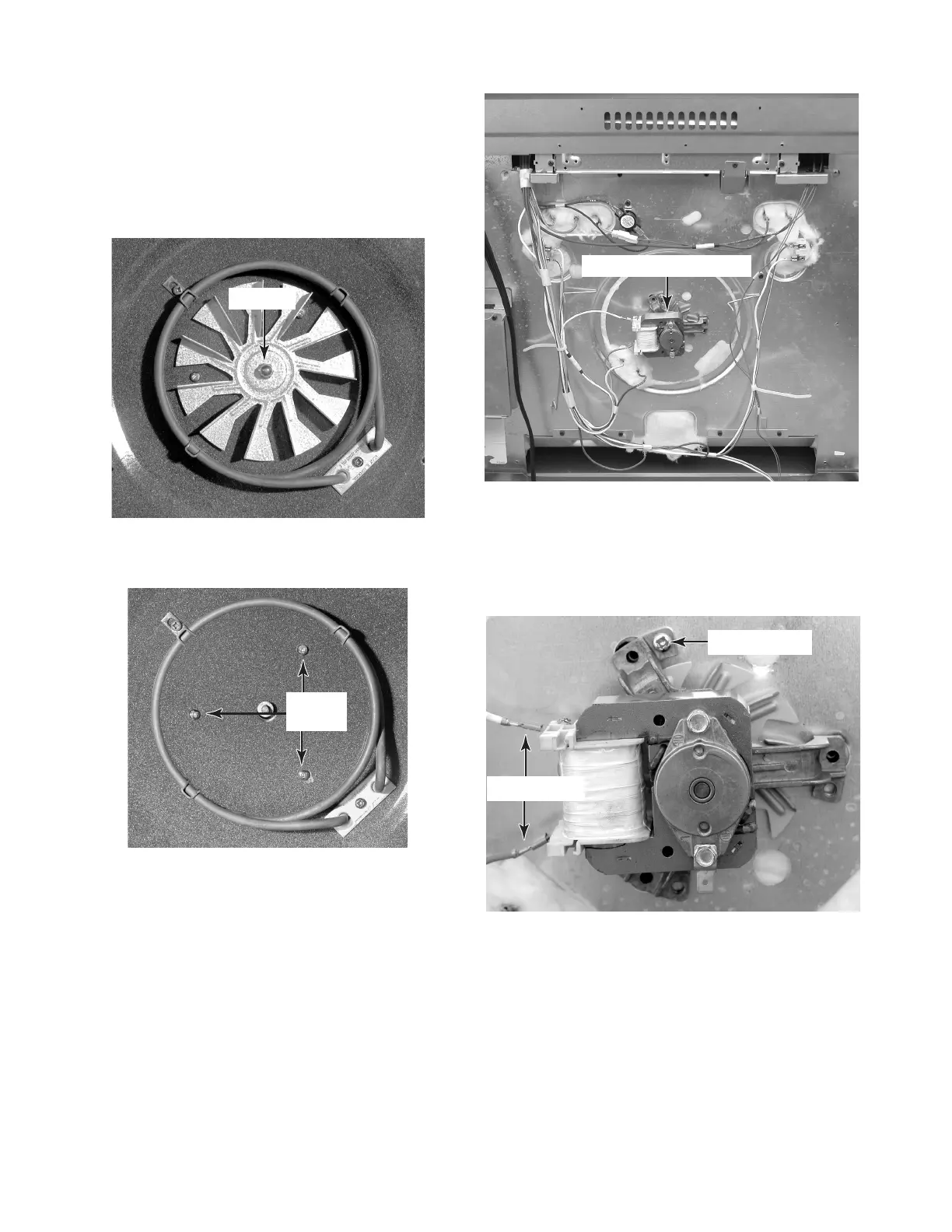
a) Remove the 7/16″ hex-nut from the
convection fan and remove the fan from
the motor shaft. NOTE: The nut has a
left-hand thread so turn it clockwise to
remove it.
Fan Nut
Motor
Screws
Convection Fan Motor
Motor Screw
Motor Wires




 To Next Page