51
4. Changing color modes
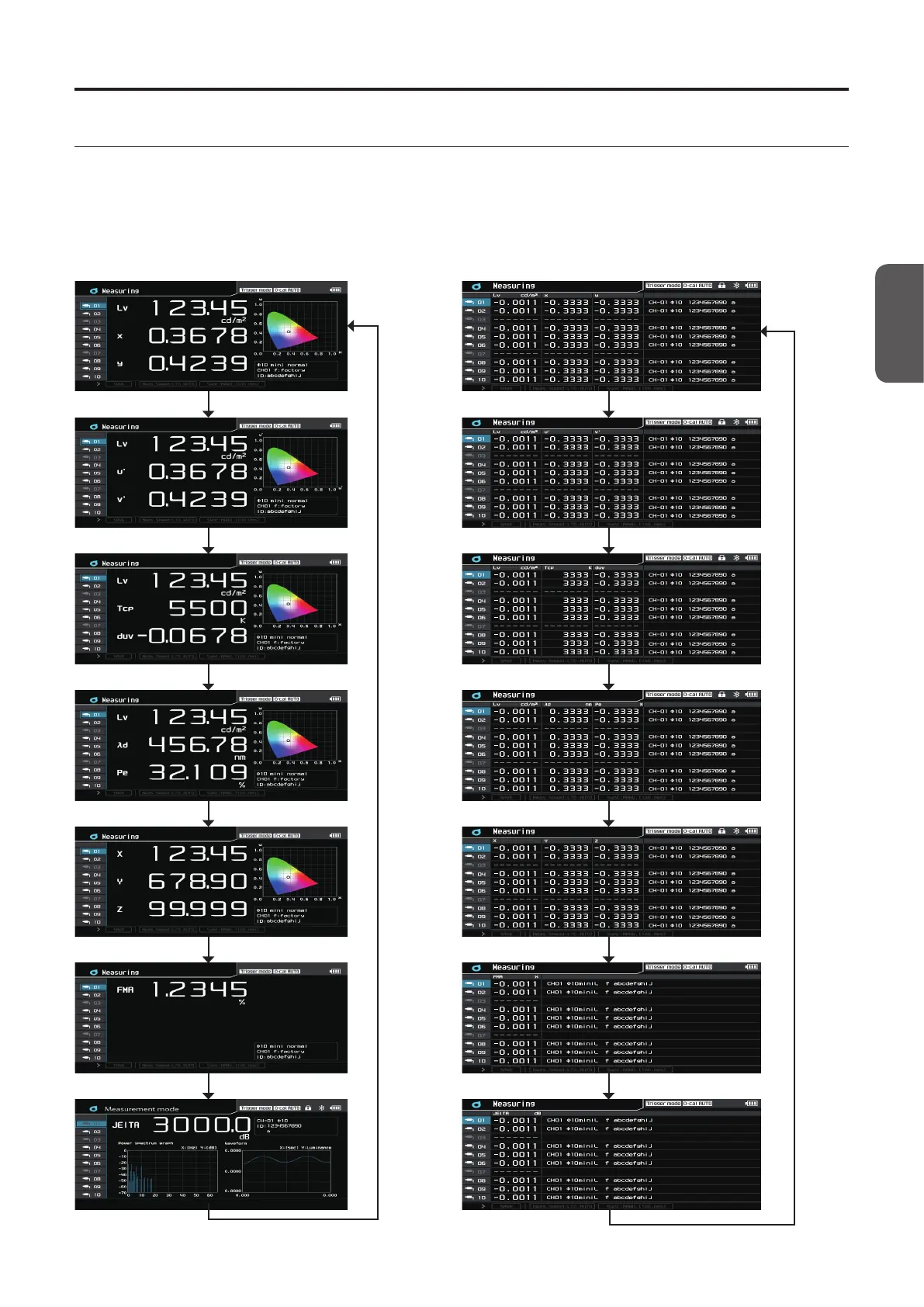
Press the [MODE] key to change the color space for the measured values on the screen.
* CA-VP427 and CA-VP410 probes cannot measure flicker.
* The displayed color mode screens are only those checked in Color Space under Menu - Option.
* Color modes cannot be changed in interval measurement mode.
Transition of color mode screens -
Single-probe display Multi-probe display
Lv,x,y
Lv,u’,v’
Lv,Tcp,duv
Lv,λd,Pe
X,Y,Z
FMA
JEITA
CA-DP40














 To Next Page