81
Outline of the Calibration/Settings Section
This section explains settings that must be configured according to measurement method.
Available measurement methods and the settings that must be made are explained below.
1. Measurement using Konica Minolta’s Calibration Standard
With this method, measurement is performed using Konica Minolta’s calibration standard without calibration.
Even when setting the target value to calibration channel CH00, measurement must be performed as explained below.
It is not necessary to set/change the target value if the color dierence display function will not be used.
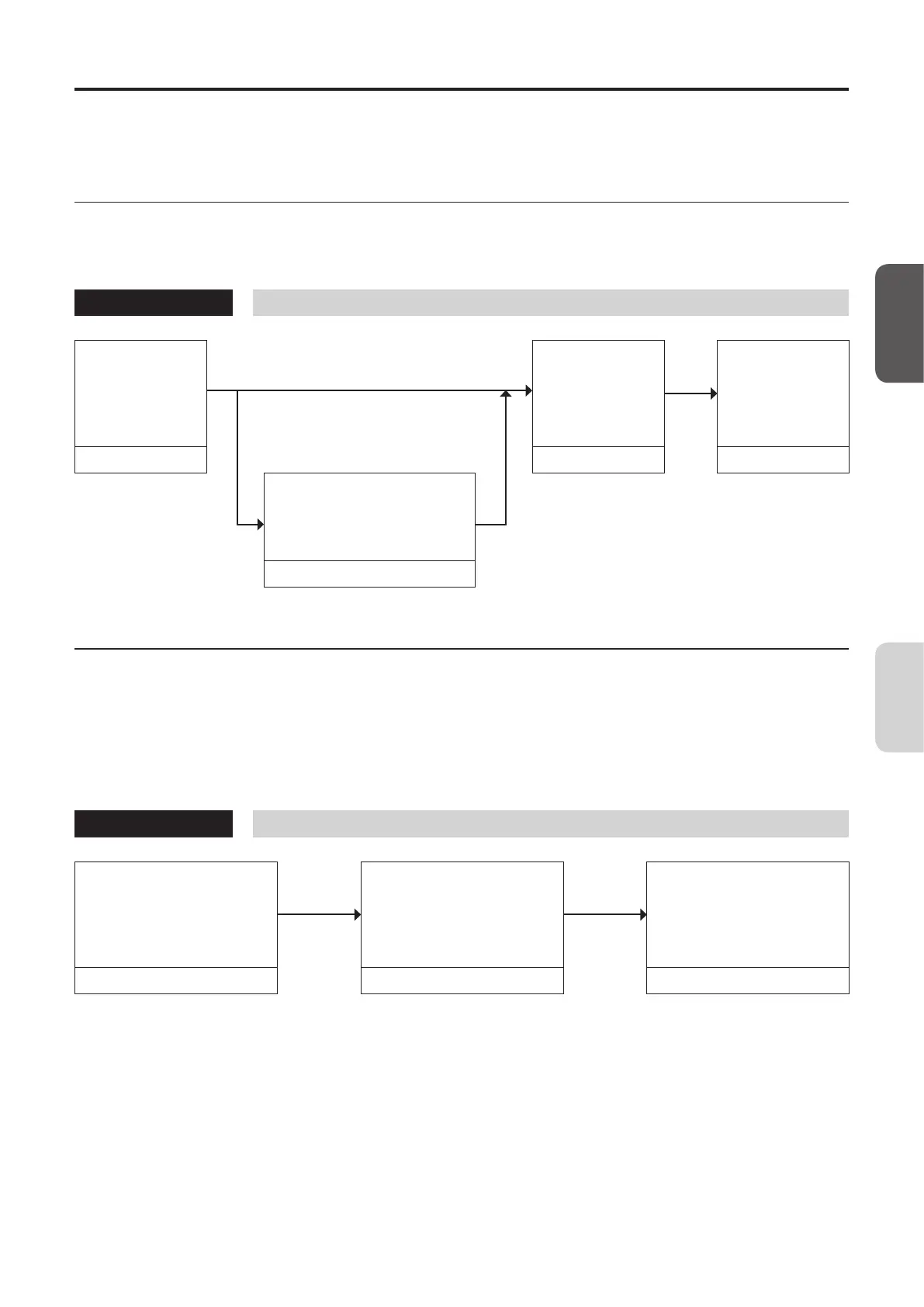
Operating Procedure
Measurement
Preparation
When using only the absolute value display
function
Selecting the
Calibration
Standard
Measurement
Measurement
When also using the color
dierence display function
P. 65 P. 82 P. 100
Settings
Setting/Changing the
Target Value*
1
P. 106 •TosetanID:Refertopage92“SettinganID”*
2
.
2. Measurement using user calibration
With this method, user calibration is performed and the obtained correction coecient is used for measurement.
Because the target value is also set, the color dierence display section can show the deviation of the measured values from
the target value. User calibration must be performed in the following cases. (However, it is not possible to perform user
calibration using calibration channel CH00.)
• To correct variation of readings that occur due to the deviation of spectral sensitivity from the CIE 1931 color matching
function
• To correct dierences in readings between probes when two or more probes are used
Operating Procedure
Measurement Preparation
Settings
User calibration
• Single-point calibration
• RGB+W matrix calibration
Measurement
Measurement
P. 65 PP. 84–87 P. 100
• User calibration details: Refer to page 84 “Performing User Calibration”.
• To change the target after user calibration: Refer to page 96 “Setting/Changing the Target”*
1
.
• To set an ID: Refer to page 92 “Setting an ID”*
2
.
*1 About “Setting/Changing the Target”
The following two methods can be used for setting/changing the target.
(1) Setting/changing the target by measurement The display’s measured values are set as the target.
(2) Setting/changing the target by entering values Set the desired values (x, y, Lv) by entering them.
*2 About “Setting an ID”
An ID is useful when specifying that the user calibration and target value have been set for a specific type of display
with specific colors.
CA-DP40
Calibration/
Settings














 To Next Page