66
Zero calibration
Zero calibration performs zero point adjustment while blocking entry of light into the probe’s receptor.
A shutter located inside the probe automatically closes to block light during zero calibration of the instrument. Zero
calibration must be performed whenever the POWER switch is set to ON ( | ).
1. Performing Zero Calibration
Notes on zero calibration
• Perform zero calibration if the ambient temperature has changed. If “Auto 0-cal” is set to ON, zero calibration is
performed automatically when the ambient temperature has changed. (Refer to [Option] - [0-Cal])
• Perform zero calibration at any time by pressing the [0-Cal] key.
• Just in case, do not direct the end of the probe toward an illuminant with high luminance during zero calibration.
• Never press any keys during zero calibration. Doing so will cause completion of zero calibration to take more time.
• Zero calibration will be performed simultaneously with all the connected probes.
Operating Procedure
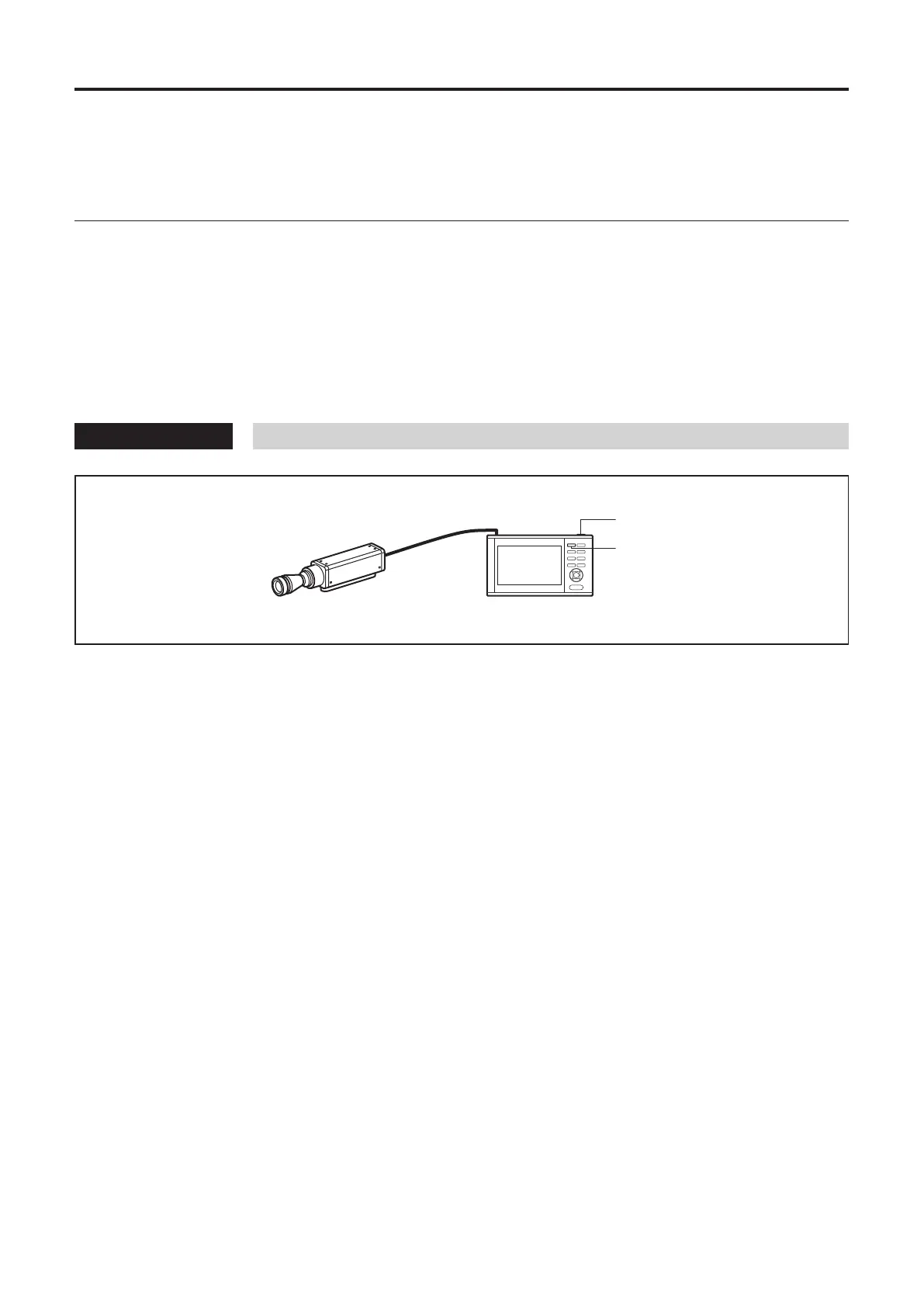
Measuring probe Data processor
(1)
(2)
Before starting zero calibration, check that a probe is connected to a probe connector.
1
Check that the POWER switch is set to
ON ( | ).
2
Press the [0-CAL] key.
Measurement will start automatically at the end of
zero calibration.














 To Next Page