75
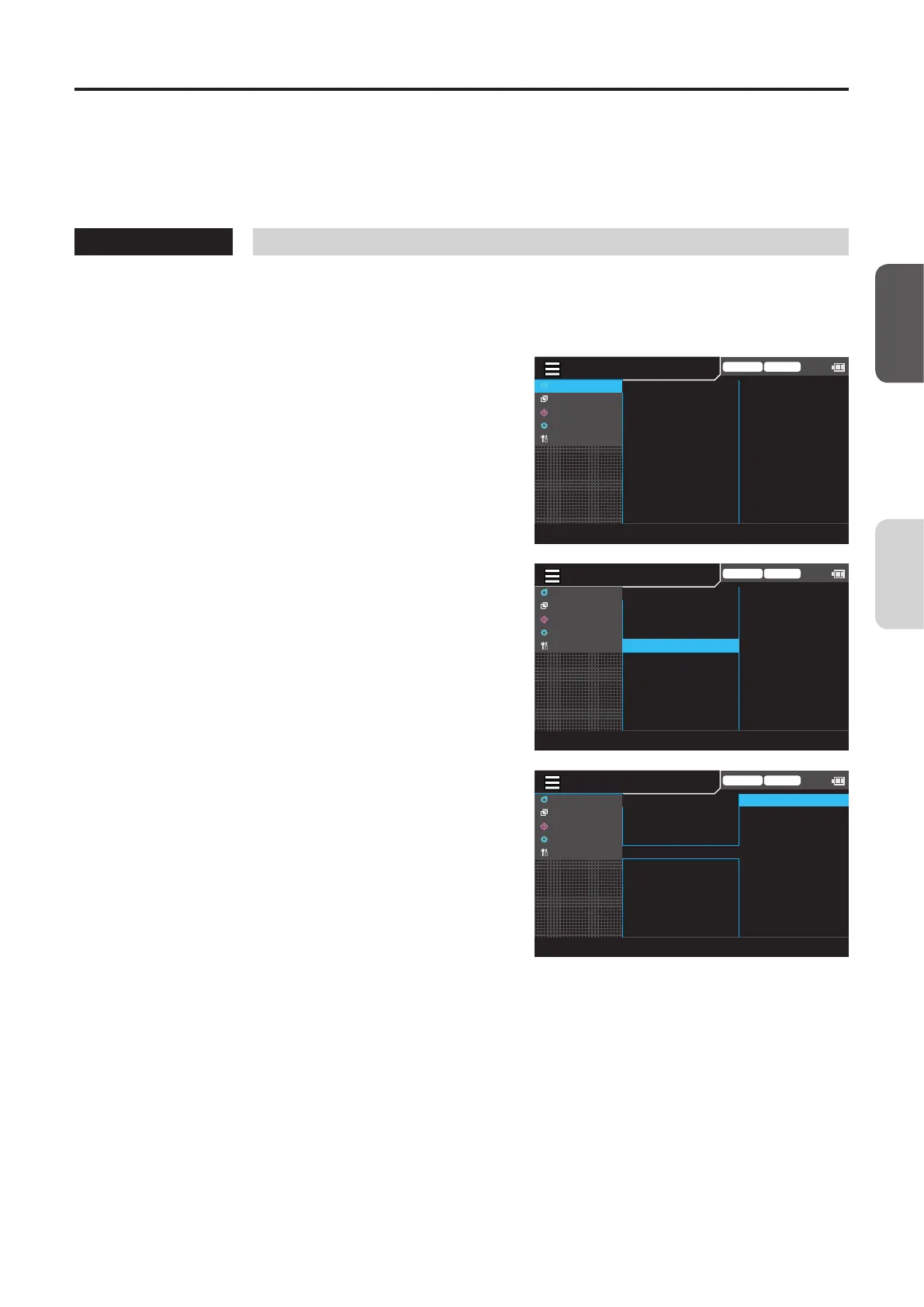
Setting the Interval Alert
This setting determines whether an alert is displayed during interval measurement when a measured value diers
substantially from the one measured immediately before. Set a judgment threshold for outputting an alert. After a threshold
is set, a measured value will be saved together with an alert if the dierence between the value and the previous one
exceeds the threshold.
* Factory setting: OFF
Operating Procedure
1
While the measurement screen is
displayed, press the [MENU] key.
The setting screen is displayed on the LCD screen.
2
Press the [UP] or [DOWN] key to select
[Meas Cond], and then press the [RIGHT]
or [ENTER] key.
Trigger mode 0-cal AUTO
MeasCond
UserCalib
Target
Option
System
NTSC
AUTO
OFF
OFF
OFF
0.07 Hz
SyncMode
MeasSpeed
TriggerMode
IntervalMeas
IntervalAlert
JEITAfreqresolution
3
Press the [UP] or [DOWN] key to select
[Interval Alert], and then press the
[ENTER] key.
Trigger mode 0-cal AUTO
MeasCond
UserCalib
Target
Option
System
NTSC
AUTO
OFF
OFF
OFF
0.07 Hz
SyncMode
MeasSpeed
TriggerMode
IntervalMeas
IntervalAlert
JEITAfreqresolution
4
The screen for turning the interval alert
ON/OFF is displayed. Press the [UP] or
[DOWN] key to select [ON] or [OFF].
Trigger mode 0-cal AUTO
MeasCond
UserCalib
Target
Option
System
○
ON [ 50 %]
◉OFF
SyncMode
MeasSpeed
TriggerMode
IntervalMeas
IntervalAlert
JEITAfreqresolution
5
When selecting [ON], press the [ENTER]
key to display the screen for setting a
threshold.
[Meas Cond] - [Interval Alert]
CA-DP40
Measurement
Preparation














 To Next Page