72
Setting the Trigger Mode
6
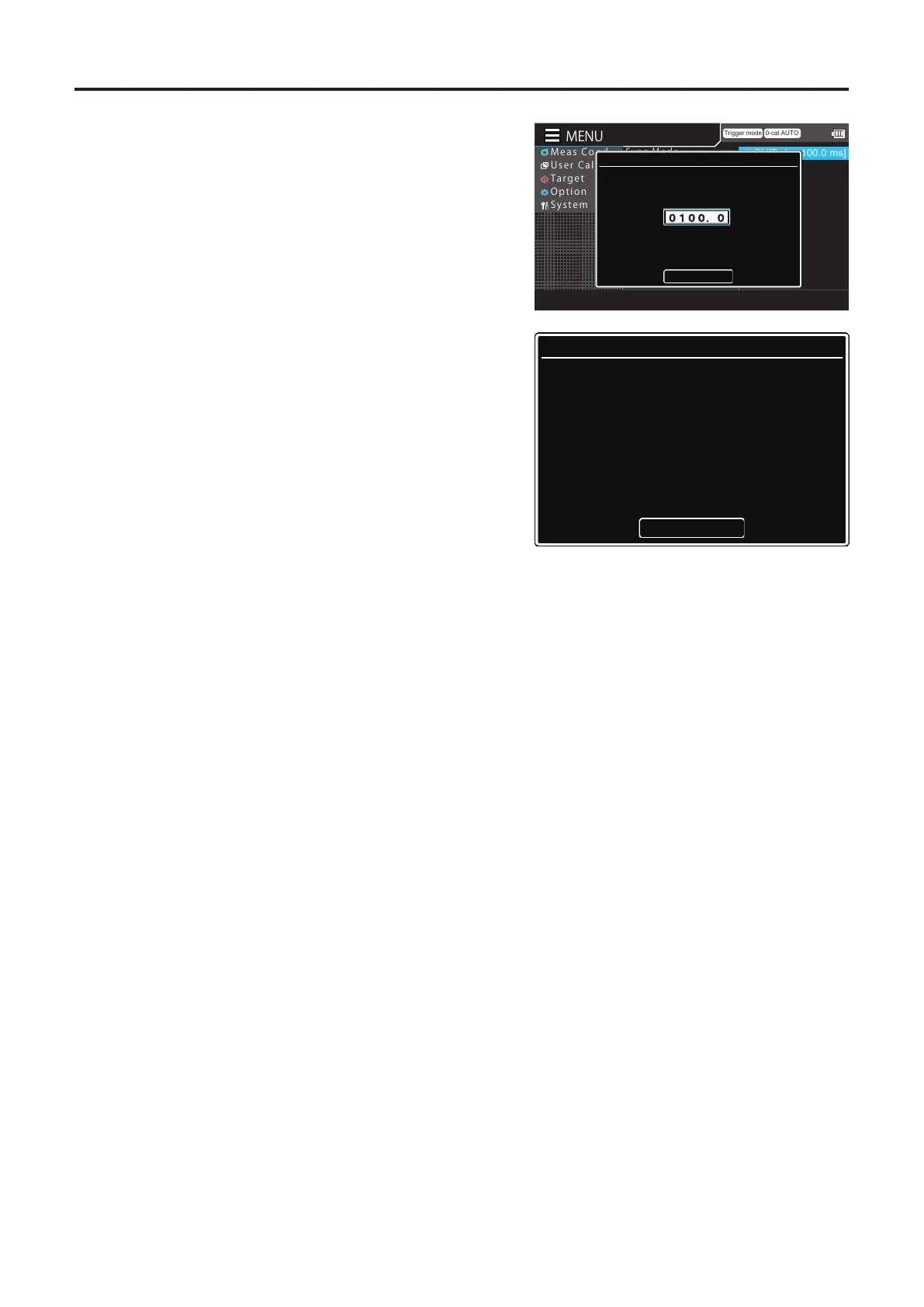
Press the [UP] or [DOWN] key and the
[RIGHT]/[LEFT] keys to set a delay time,
move to [Complete], and then press the
[ENTER] key.
* The delay time can be set to between 0 to 1,000
msec.
If the entered value is out of the available range,
an alert screen is displayed. Press the [ENTER] key
to return to the previous screen and reset the
value.
Press the [ESC] key to cancel configuration of the
setting and restore the original value.
Trigger mode 0-cal AUTO
MeasCond
UserCalib
Target
Option
System
◉
ON[Delay 100.0 ms]
○
OFF
SyncMode
MeasSpeed
TriggerMode
IntervalMeas
IntervalAlert
JEITAfreqresolution
Delay Time
Set the delay time
Complete
0100.0
msec
Input Error
The input data is incorrect
Input correct value
OK
7
Press the [ESC] key twice.
The measurement screen is displayed on the LCD
screen.
The trigger mode setting and value will be kept even
if the POWER switch is set to OFF ().














 To Next Page