89
7
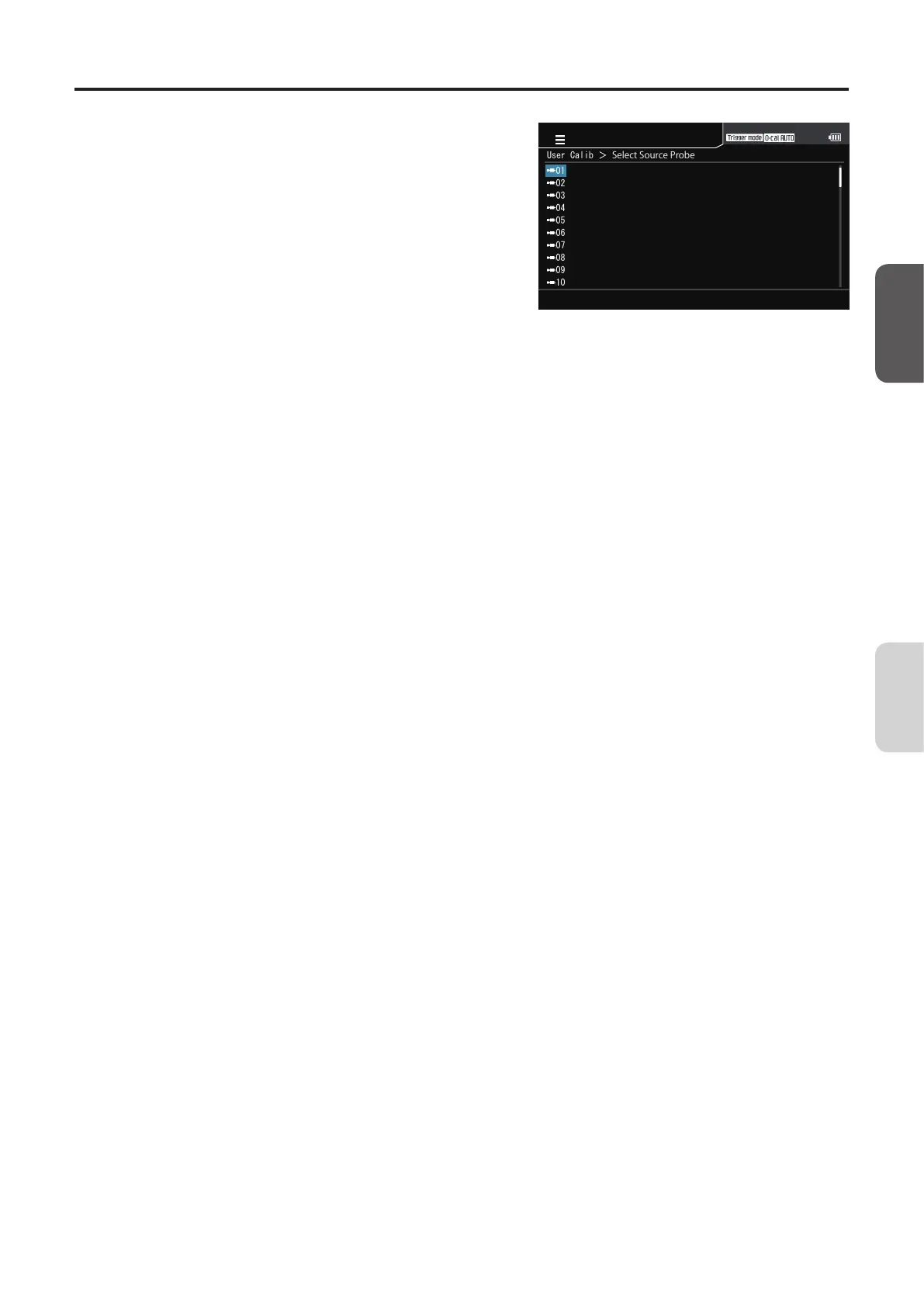
Select saved data.
The screen for selecting a probe is displayed. Press
the [UP] or [DOWN] key to select the probe with the
information to use, and then press the [RIGHT] or
[ENTER] key.
User Calib > SelectSourceProbe
01
02
03
04
05
06
07
08
09
10
MENU
8
The screen for selecting a calibration
channel is displayed. Press the [UP] or
[DOWN] key to select the channel to use.
9
Press the [ENTER] key to return to the
menu screen.
The specified values will be kept even if the POWER
switch is set to OFF ().
CA-DP40
Calibration/
Settings














 To Next Page